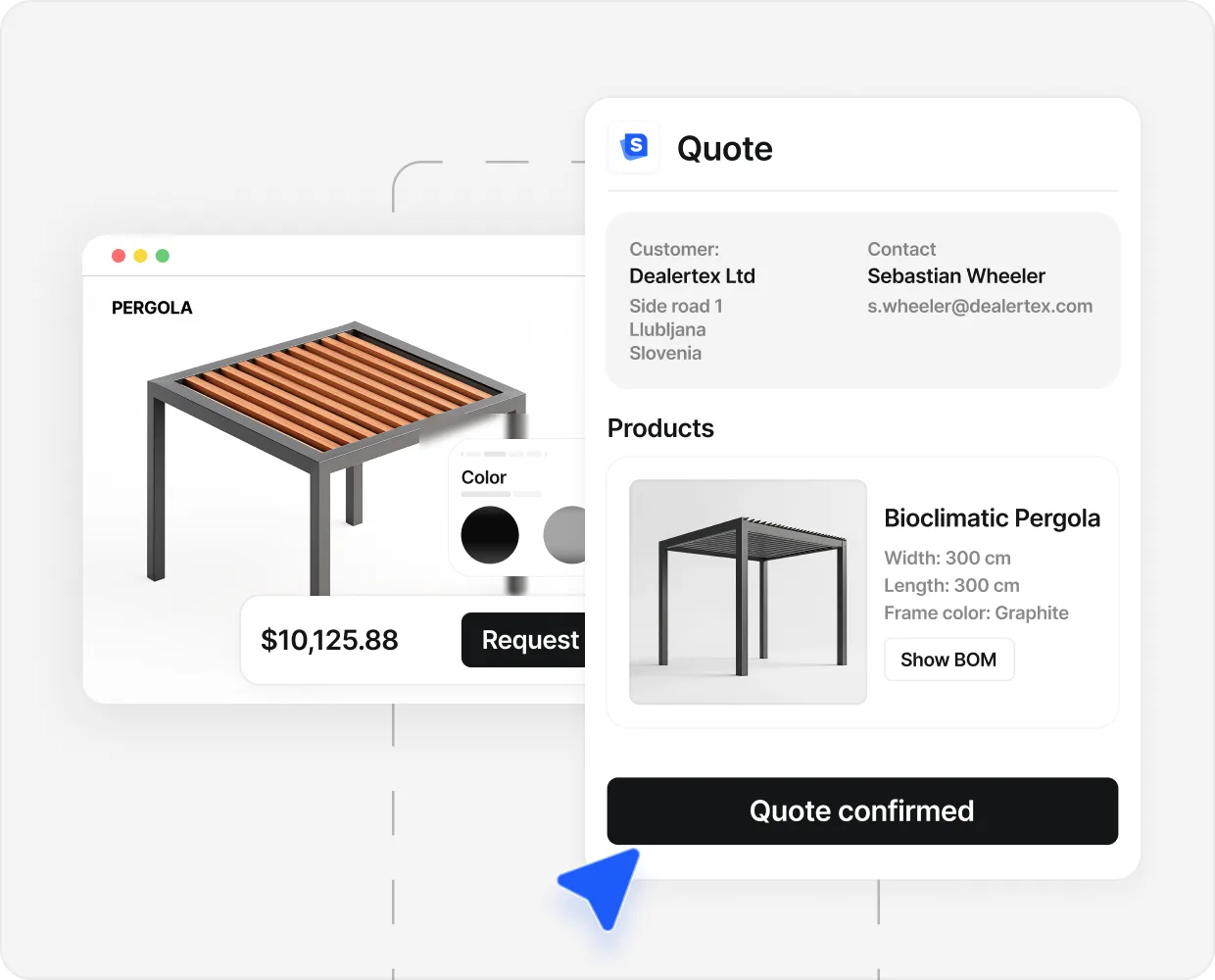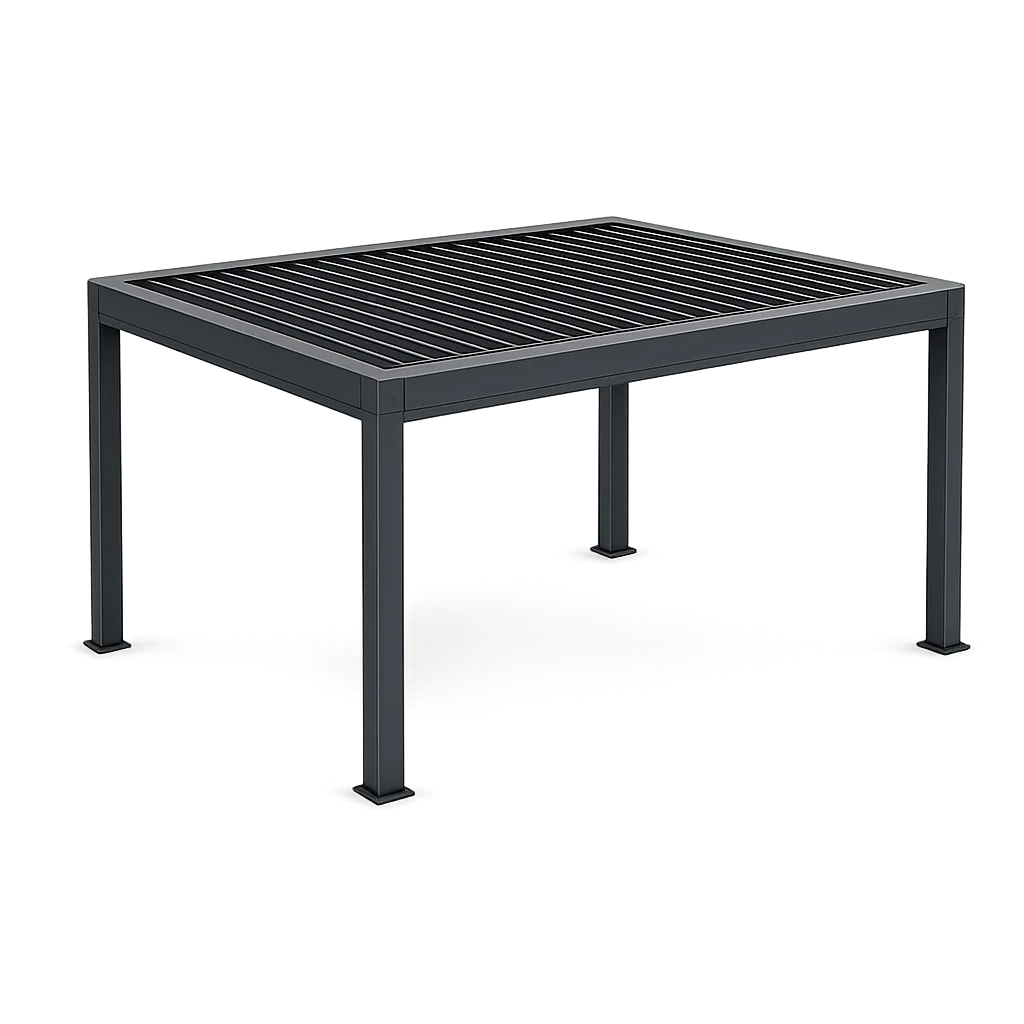


A buyer is sitting in front of a free pergola visualizer at half past eleven on a Tuesday night. They have rotated the model four times. They have changed the colour from natural oak to anthracite and back. They have widened it from 3 metres to 4 metres and decided the bigger one looks right against the patio in their head. The pergola on the screen is beautiful. They have no idea how much it costs, who builds it, or whether it will actually fit the awkward 30-degree corner of their garden.
They close the tab. The session ends. The brand running the visualizer has no record they were ever there.
That is the gap a pergola configurator closes. A visualizer renders. A configurator renders, prices, and routes. The naming is close. The outcome on the website is not.
What a visualizer does#
One job: render a pergola and let the buyer change a few things about it.
It loads a 3D model built on WebGL, offers a colour, a size band and a roof type, re-renders, and sometimes drops the result into a stock garden scene.
That is the whole product. Below the canvas there is usually a contact form. There is usually no price, no spec sheet, no PDF, no CRM record and no tracking event. The buyer designs, the buyer leaves, and the seller hears nothing unless the form gets filled in.
At the awareness stage that is genuinely useful. It shows a pergola in a way a brochure cannot, and the buyer picks up the phone with a picture in their head instead of a vague idea of “something modern.”
The problem starts when a seller mistakes it for a sales tool, puts it on the homepage, and runs ad spend at it.
What a configurator adds#
Everything above, then four blocks underneath.
Real configuration rules. Not just anthracite or oak, but the maximum post span for a louvred roof at 4.5 metres, the accessory that clashes with the lighting kit, the height that needs reinforcement. A visualizer knows none of it.
A real price. Not “starting from.” A specific number for a specific build, in the buyer’s currency, with your margin and regional install modifiers baked in. The number ends the speculation.
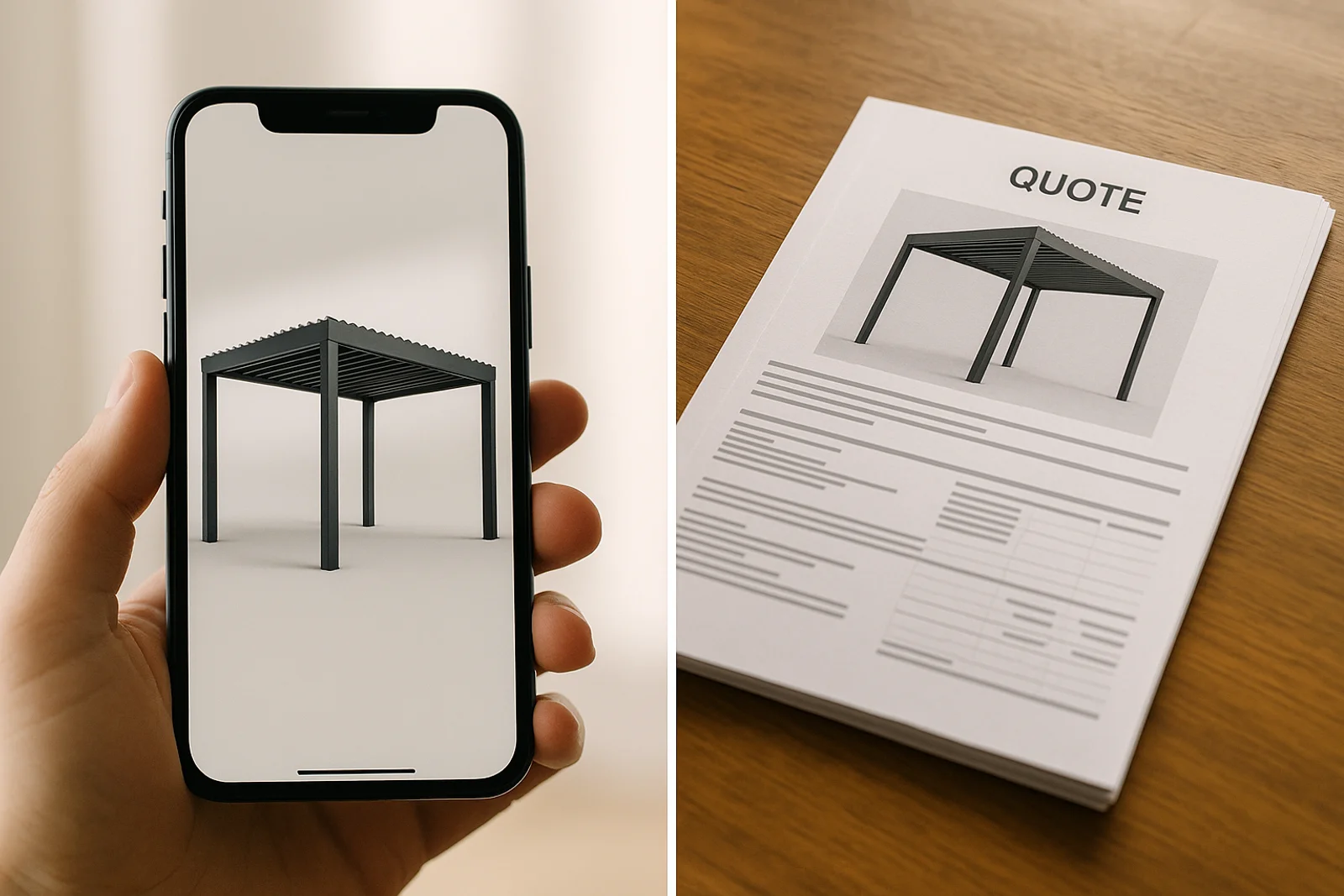
A designed PDF. Your logo, the spec line by line, the render, reading as a serious quote. Two days later, while a slower competitor is still writing one by hand, your buyer already has a document with your logo on it.
Events into your stack. GA4, Meta, Google Ads and the CRM, fired on design, price and submit. Without them you cannot tie ad spend to configurator engagement.
Monday changes with it. Twenty “interested in pricing, please call” lines become a stack of configured PDFs with a buyer, a spec and a price on each. The pergola configurator guide covers that shift in detail.
Side by side: same buyer, two outcomes#
The same buyer lands on two different pergola sellers in the same evening. Both sites lead with a 3D pergola the buyer can change. The buyer plays with both. The outcomes diverge.
On the visualizer site, the buyer rotates the model, picks a size, picks anthracite, picks a louvred roof. The render updates. Below the canvas there is a button that says “Ask for a quote.” The buyer hesitates. They are not ready to be on a sales call. They close the tab. The visualizer logs a 3-minute session. No name. No spec. No follow-up. The seller’s Monday inbox is unchanged.
On the configurator site, the same buyer does the same thing. The render updates. A price appears next to it: €11,400 for the 4 by 5 metre build they designed. The buyer pauses. The number is higher than they hoped, but not crazy. They click “Email me the quote.” A designed PDF lands in their inbox within seconds with the same render at the top, the spec laid out, the price clearly stated. The seller’s CRM also gets it, with the buyer’s email, the time spent in the configurator, and the exact spec. Monday morning, a salesperson opens the configured PDF, calls the buyer, and starts the conversation with “I see you designed a 4 by 5 metre louvred build last Tuesday.”
The buyer ended up in two different places. Not because the buyer made a different choice. Because the website did.
331 quotes generated in four months. 166 hours saved across the team in the same window.
Those 166 hours are the time the team used to spend turning a buyer’s screenshot into a real quote by hand. A visualizer ends one step before the work that produces that number. The full pattern sits in the case studies.
When a visualizer is the right pick#
It is the right tool for a real set of jobs, and the argument falls apart if a configurator gets treated as a universal answer.
When the audience is in inspiration mode. A homeowner two seasons from buying does not want a quote. They want to know whether they like the silhouette. A price the moment they pick a size is the wrong tool for that moment.
When the goal is awareness, not conversion. A trade body or a magazine running a free public utility for backlinks and reach can produce zero leads and still earn its keep.
When the product is a kit the buyer fulfils themselves at a hardware store. There is no seller to route a lead to. The visualizer is the product.
For everyone else selling pergolas, it is the wrong tool that happens to look like the right one.
When you need the configurator#
Above €5,000 average ticket. One closed deal pays for the stack many times over. An inspiration tool never does.
With a dealer network. The dealer needs the priced PDF and the lead routed to the right branch on the day it happens.
Running paid traffic. Without configurator events, ad spend optimises on the wrong signal and cost per qualified lead climbs with no explanation. A visualizer has no events to send.
Competing on speed. The buyer who left at 23:47 with no quote is the one who signed with a competitor at 09:14, because that competitor produced a priced PDF before breakfast.
Even at premium positioning. If publishing a number worries you, gate it behind intent questions rather than skipping it. The PDF can reach your rep first.
The single-question test#
Staring at a 3D pergola tool and trying to work out which one it is? The test is one sentence.
Did the buyer leave with a price?
Not a guide price. Not a starting-from number on a banner. A specific price for the pergola they designed, in their currency, that they can repeat to a partner over breakfast without doing extra work.
A second test sharpens it. Did Monday’s inbox change because that buyer was on the site? On a visualizer, almost never. No trace, no spec, no contact, no event.
The technology looks the same either way. Same models, same swatches, same rotating canvas. The technology is not the question. What matters is what both sides are holding when the session ends.
The buyer rotating a pergola at midnight is the same person on both sites. What differs is whether the morning after is silence or a priced PDF in two inboxes.
For the wider buying decision, the pergola configurator guide covers what a real one does and what to test on a demo. The gallery holds live examples.
People also ask.
What is the difference between a pergola visualizer and a configurator?
A visualizer is a 3D viewer. It shows the pergola and lets the buyer change colours, sizes and roof types. A configurator does that, then applies your real rules, prices the build, and produces a PDF. One ends at a screenshot. The other ends at a priced quote and a lead.
Do visualizers calculate prices?
Usually not. They are built to render. Pricing belongs to an engine that knows your costs, margins, regional install modifiers and accessory rules. A starting-from number is not a quote for a specific build.
When is a visualizer the right pick?
When the audience is genuinely top of funnel and the goal is awareness, not conversion. A free public visualizer can earn backlinks and social reach that a gated configurator would not. For any site built to produce inquiries, it is a half-build.
Will a configurator publish my prices to everyone?
Only if you choose. It can hide the public number, gate it behind qualification, and send the priced PDF privately after a rep reviews it. It still designs, still prices, still produces the PDF.
Can I ship a visualizer first and a configurator later?
You can, and it doubles the work. Both need the same 3D pipeline. The configurator adds the rules, the pricing and the handoff on top. Starting with the configurator skips the second build, because the visualizer is already inside it.