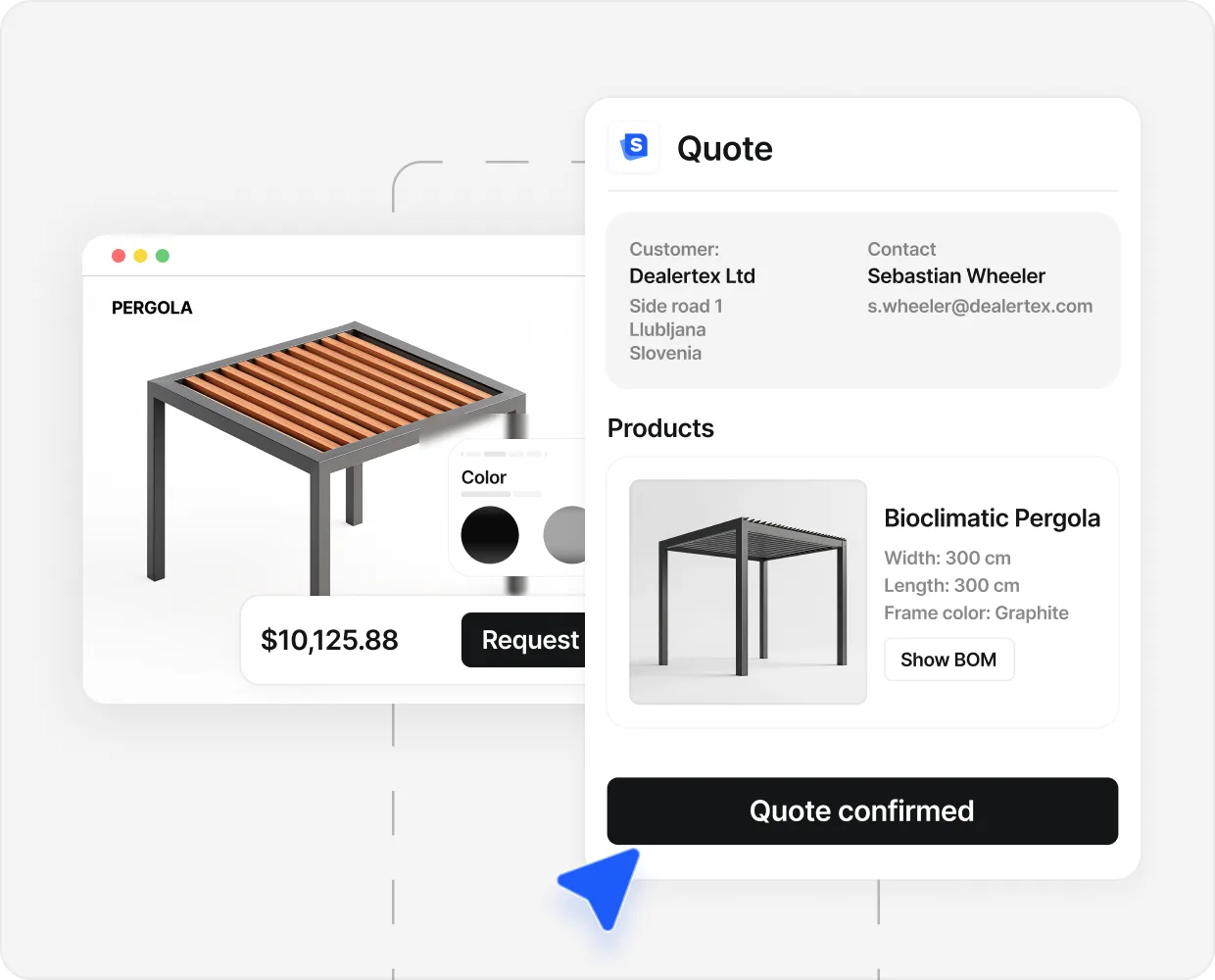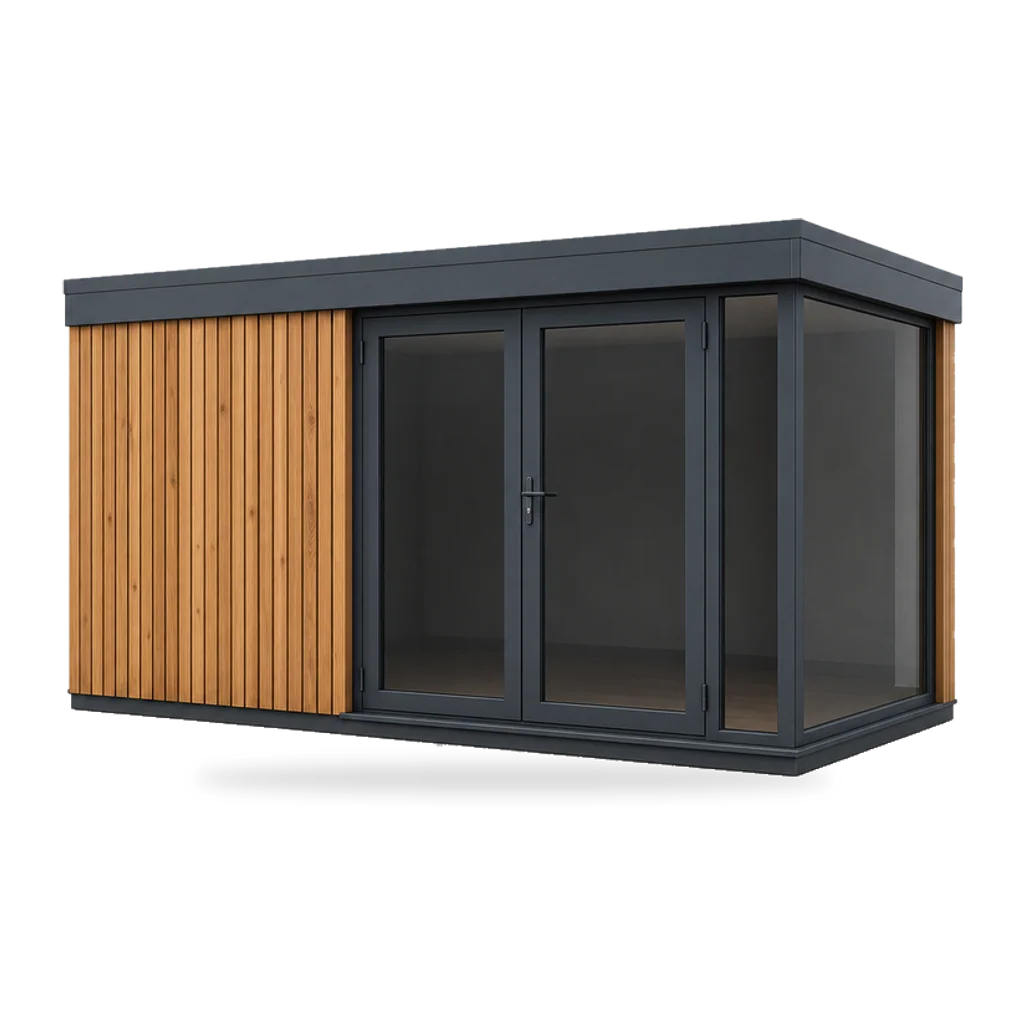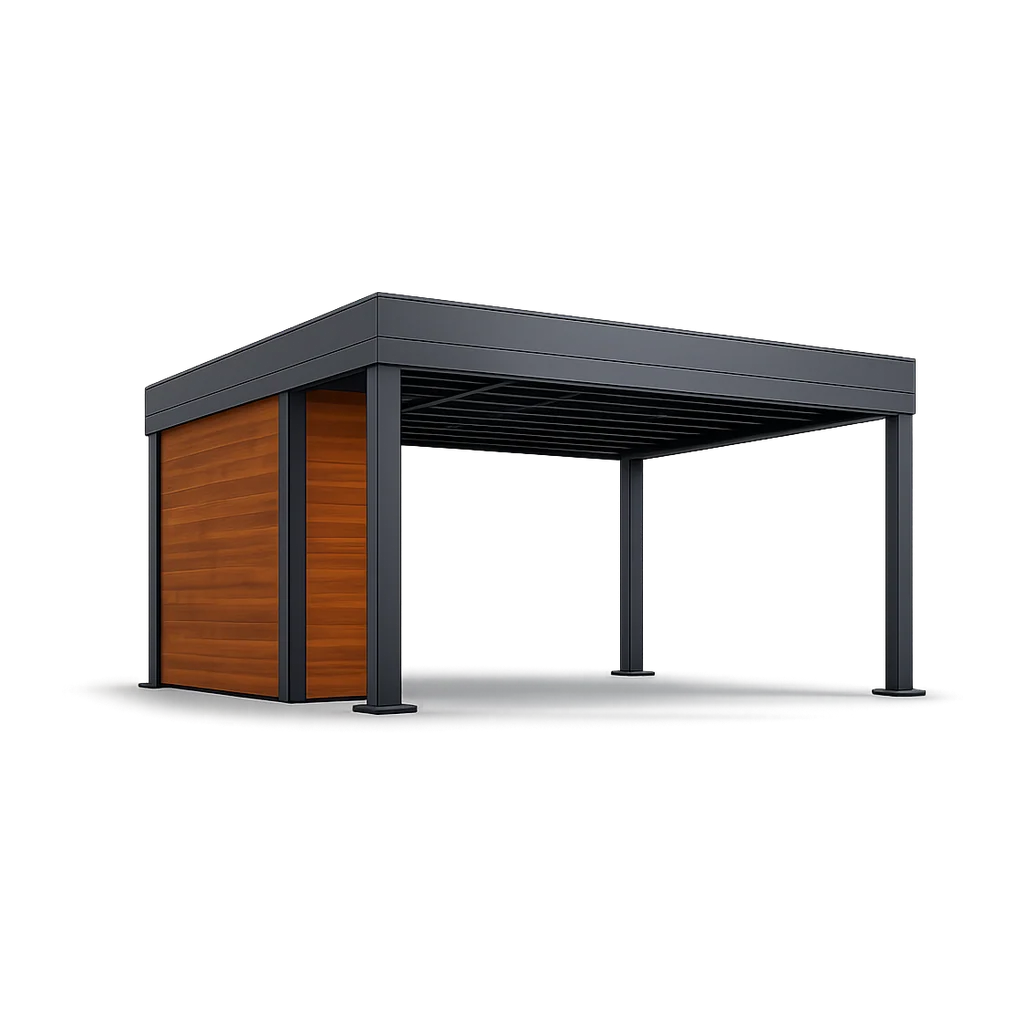


A pergola buyer in Bristol opened a configurator on a Tuesday evening. She picked anthracite louvres, added lighting, and forwarded the priced PDF to her husband. This is the one. Can we book the install in June. He said yes on his commute, and the dealer rang at lunchtime for the deposit. None of that needed AI. The configurator closed the deal. AI helped inside the loop in three places she never saw, and one place she did.
The question worth asking in 2026 is not “does it have AI.” It is which AI features customers still use after 90 days, and which ones get switched off.
We turned on three AI features at launch. By month three we had one of them still on. The other two were generating buyer confusion faster than they were generating leads.
AI features here cluster into two camps. The first does a narrow job faster than a person can. The second is impressive on a demo screen and gets turned off once the sales team gets tired of cleaning up after it.
The four AI features that earned their place#
Each does a narrow job faster than a person can. Each is now standard kit across the customers we onboard.
Photo-to-draft design at the top of the funnel. The buyer uploads a phone photo of their patio. A vision model spots the empty space and the rough scale, and a first-pass configuration drops onto the scene with sensible defaults. The buyer sees their own garden with a pergola in it before touching a dropdown. The AI did not design the pergola. It started the conversation visually instead of with a contact form. Buyers who reach the priced PDF from a photo upload convert at a higher rate, because they have already committed to a draft they recognise as theirs.
A two-minute qualifying chat before the configurator opens. This one halved the time sales used to spend on the wrong inquiries. It asks three or four plain questions: what the buyer wants, how big the space is, when they want to install, homeowner or contractor. The answers prefill the configurator and attach a one-line note to the lead. The chat is not selling. It is qualifying. The moment it tries to sell, the buyer drops out.
A plain-language summary of the configured quote. Underneath the PDF, AI writes a three-sentence summary in the email body: the build, the price, the install date. That summary is not for the buyer who built it. It is for the partner who never opened the configurator and is about to see the email on a phone screen. The PDF closes the deal with the designer. The summary closes it with the second approval.
Next-add-on suggestion based on the configured spec. Once the structure is built, the configurator surfaces one or two add-ons the spec is missing, rather than a generic upsell. A pergola without lighting gets a lighting suggestion. Screens with no heater gets a heater suggestion. The model reads gaps in the buyer’s own design, not the catalogue, which is why customers click on it roughly twice as often as a “customers also bought” carousel.

None of these four try to be the configurator or the salesperson. The buyer never says what a clever AI feature. The buyer says that was easy.
For the wider field view of AI across pergola design (inspiration imagery, garden-photo composition, intent scoring, multilingual dealer copy), see the ai pergola design post.
What gets pitched, sold, and quietly turned off#
Three features show up in almost every AI configurator pitch and get switched off inside 90 days more often than they stay on.
Fully autonomous AI design. The promise: type one sentence, get a finished pergola. In practice, it picks combinations the factory cannot ship, and buyers do not trust a design they did not build. They spend twelve minutes adjusting an autonomous draft just to feel like they made the choices. The shorter route is smart defaults on a photo upload, which is what the draft-from-photo feature above does.
Voice-driven configuration for the homeowner. The speech recognition is accurate enough. The problem is the room. A homeowner evaluates a 15,000-euro pergola on the sofa with their partner, or at the kitchen counter making dinner. None of those rooms is one where you talk out loud about post finishes. Voice will land first in the dealer office. For the buyer at home, it is a 2028 feature being marketed in 2026.
An AI chatbot that tries to close the sale. Distinct from the qualifying chat above. This one pops up mid-session and offers discounts, quotes lead times, promises install dates. Buyers treat those answers as commitments. Sales then spends the next week explaining why the crew cannot deliver the date the bot promised. This feature usually lasts about two months in production.
The pattern: the four features above assist a person at a narrow task. These three try to remove the person and make more work for them. That is the cleanest test for whether an AI feature earns its keep.
- 508 Leads in 90 days Caribbean Blinds (UK pergolas). 40 percent of inquiries arrive pre-configured through the 3D configurator.
- 475 Configured leads in 8 weeks Spolding and Sons (UK garden rooms). 5,800 visitors, 8 percent landing page conversion.
- 30 Pergola sales in 90 days Nordin (Lithuania, louvered pergolas). 574 configured leads from a standing start.
- 10x Close rate vs industry Industry pergola close rates sit at 5 to 8 percent. Sellers running a configured funnel typically run 10 to 20 percent.
Named numbers and full stories live in the case studies.
These are configurator numbers, not AI numbers. AI helps inside that loop in the four places above. The basic jobs still do the work: render the build, apply the rules, price the spec, send the PDF. AI is the polish. The configurator is the product.
The Caribbean Blinds case study is the cleanest version of this. The team turned on the qualifying chat and the plain-language summary at launch, and left autonomous design off because the install crew refused to quote against AI-generated specs. The qualifying chat is doing more work than any other single feature, and it is not impressive on a demo.
What buyers ask about AI in practice#
Buyers do not ask about AI the way vendors pitch it. They ask whether the pergola will fit between the side return and the boundary fence, and whether the dealer will ring back the same day. They do not ask which model generated the inspiration scene.
The infrastructure is the product. The AI is the polish.
AI features earn their place when they make an existing job faster. They do not earn their place when they invent a job the buyer did not know they wanted. The buyer wants to see their pergola, in their garden, in three seconds, on their phone, with a real price. Every AI feature is judged against whether it makes that core experience faster, calmer, and more accurate. The ones that do, stay. The ones that distract, go.
A short forecast#
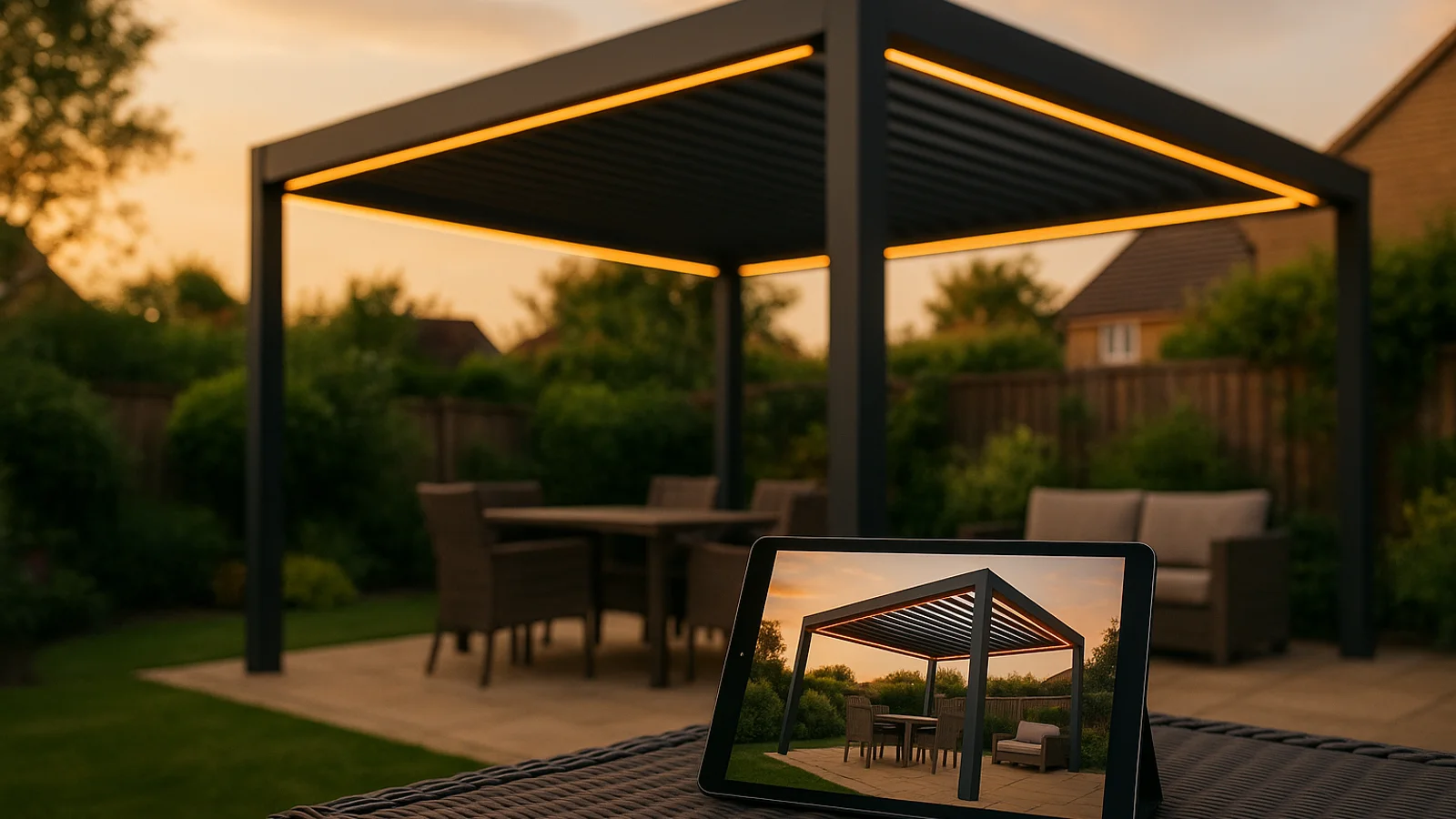
Photoreal compositing inside the configurator window. Today the buyer toggles between the parametric model and a separately generated photoreal scene. Next, the photoreal layer renders on top of the same model in real time, on a phone.
Multilingual configurator copy that updates without a rollout. A copy change in the UK pushes to 30 locales overnight, with the dealer approving rather than translating.
Pricing micro-models that learn the edge cases. A small model trained on the manufacturer’s own pricing history surfaces edge-case suggestions to the rep, who accepts, edits, or rejects. Pricing stays human-supervised.
None of these is autonomous design. None removes the configurator, the BOM, or the seller. Each is a quieter upgrade the buyer will experience as the configurator getting better, without noticing the AI underneath.
For the wider view across pergola, veranda, garden room, and outdoor kitchen, the live configurator gallery shows builds running today. The pergola configurator is the most common starting point.
The buyer designs. The price lands. The PDF arrives. AI sits inside that loop, making the right steps a little smarter. The features that earn their place make the loop calmer for the buyer and quieter for the sales team. Everything else is a demo waiting for a different decade.
People also ask.
What are the AI features in an outdoor product configurator used for in 2026?
Four jobs. Drafting a first design from a buyer photo. Qualifying intent through a short chat before the configurator opens. Summarising the configured quote in plain language. Suggesting a sensible add-on based on the spec so far. Everything else is a demo, and sales reps switch most of it off inside the first quarter.
Does AI replace 3D in an outdoor configurator?
No. The 3D model is still a parametric build wired to the real product line. AI helps inside it (faster textures, predictive preloading) but does not replace the geometry, the rules, or the BOM. A generative model can make a pretty image of a pergola. It cannot rebuild the post count when the buyer drags the width from 3.2 to 4.7 metres.
Will AI write the quote PDF?
AI writes the cover summary in plain language. The line items, prices, and terms still come from the pricing engine and a designed PDF template. The summary is for the partner who never opened the configurator. It is a translation layer, not a pricing layer.
Should AI talk to the buyer directly through a chat widget?
Only at the front of the funnel, for about two minutes. A short qualifying chat asks what the buyer wants, how big the space is, and when they want to install, then hands off to the configurator with the answers prefilled. Beyond that, AI chat tends to invent specs the factory cannot ship.
How do I tell an AI feature from an AI demo on a vendor call?
Ask one question. How many of your customers have this turned on, and how many turned it off again inside 90 days? Real features have boring usage numbers. Demos have a slide.