
A buyer is on the sofa at 9pm with a phone in one hand. They like a product but cannot picture it in their own home, in the colour they want, at the size that fits. So they close the tab and tell themselves they will come back. Most never do.
A physical store solves this in a second: you pick the thing up, turn it over, see the real finish under real light. Online, a single hero photo cannot do that job. A 3D product viewer can.
This piece draws on a conversation with the team at London Dynamics, a 3D visualization studio whose creative lead previously ran 3D at IKEA. The pattern below is what shows up again and again when a product moves from flat photos to a live 3D viewer.
What 3D product visualization does for e-commerce sales#
The core job is simple: it replicates the in-store experience online. A sofa shown in every fabric you sell, not just the one the photographer shot. A car with paint and interior the buyer changes in real time. A piece of gym equipment that animates to show how it works.
Each interaction hands the buyer clarity and control. They stop guessing and start deciding. A buyer who has built the exact version they want is ready to check out, not one who needs another week to think.
The buyer is not asking you to show them a product. They already know what a sofa looks like. They are asking you to show them their sofa, in their colour, at their size, before they spend the money. The viewer that does that wins.
The numbers behind this are not small. They are the gap between a product page that browses and one that sells.
- 94% Conversion lift on 3D pages Cylindo benchmark across furniture configurators.
- 5% Fewer returns Shopify benchmark for products shown in 3D.
- 40% Inquiries pre-configured Caribbean Blinds. Buyers arrive with the spec and colour already chosen.
- 90%+ Of IKEA imagery is CGI Computer-generated renders instead of photoshoots.
Benchmarks and full customer stories are linked through this article.
Cheaper than a photoshoot, and easier to scale#
Traditional product photography is slow and expensive: book a studio, ship samples, shoot every colour, then do it again when a variant changes.
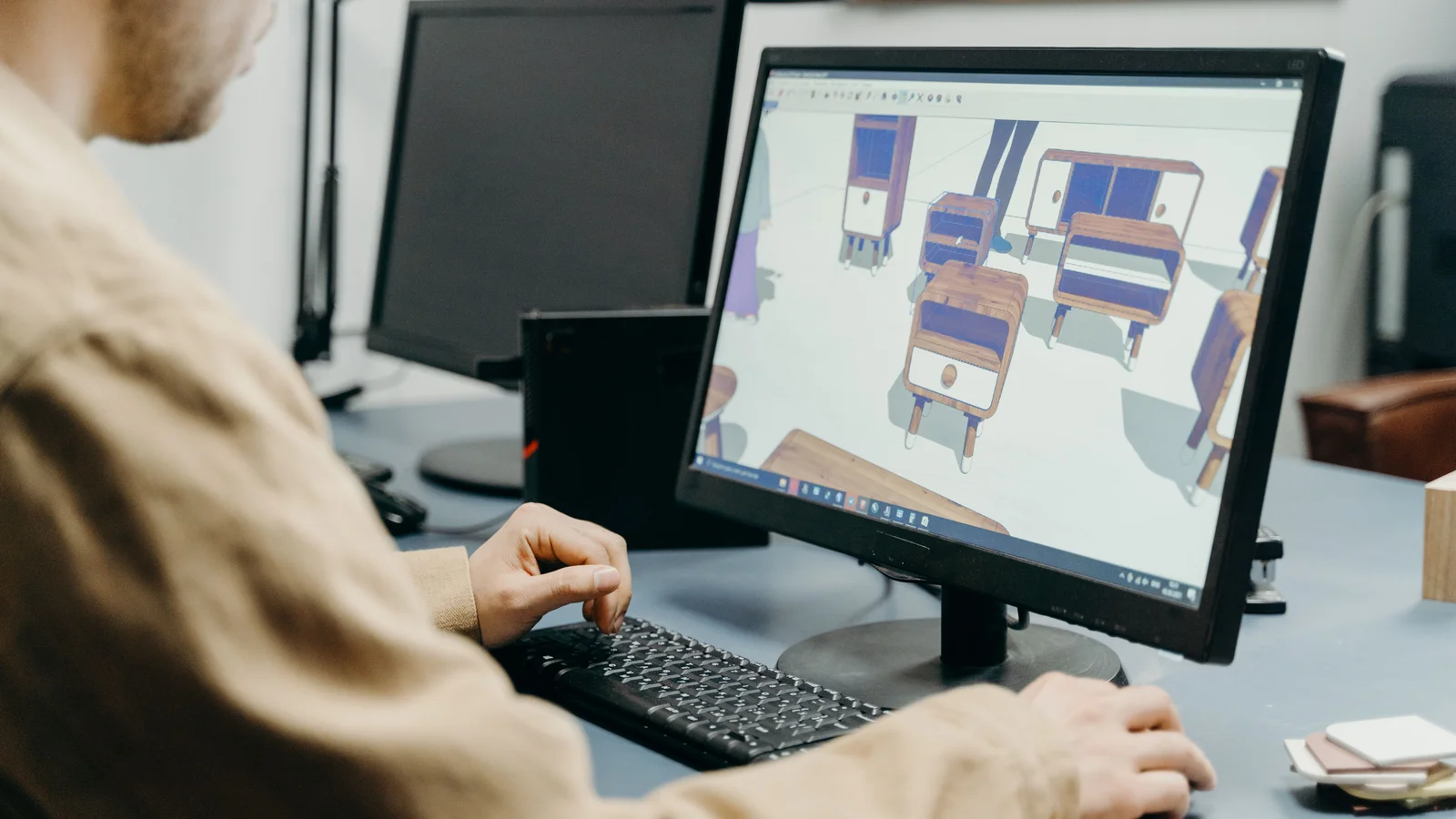
A 3D model breaks that loop. Build the product once and get lower photography costs, faster scaling across variations, and less waste from prototypes built only to be photographed. This is why IKEA moved most of its catalogue imagery to computer-generated renders. Once the model exists, a new room scene is a few hours of work, not a week of logistics, and the same render feeds the viewer, the ads, and the catalogue.

The data a configurator hands you#
There is a quieter benefit most teams miss. When buyers configure products themselves, every choice is data. London Dynamics described a bicycle client who watched demand shift through the configurator: buyers kept picking options the company had not planned to prioritise, which let the team change what they built and in what order. A flat catalogue cannot tell you that. The deeper version of this argument sits in the 2D vs 3D product configurator breakdown.
Works with the platforms you already run#
Good 3D visualization drops into the platforms most teams already use, including Shopify, Magento, and WooCommerce. That matters because the viewer has to load fast on a phone, where most of these decisions happen. A heavy experience that only works on desktop is a viewer most buyers never see. For the mobile side of this, see the mobile product configurator guide.
Where AR fits, and where it does not#
Augmented reality is the part everyone gets excited about. Its place in the plan is smaller than the hype suggests.
AR complements 3D visualization. It does not lead it. The most useful jobs are narrow:
- Fit verification. A buyer points a phone at the room and checks whether the sofa or the TV actually fits the space they have. Apps like IKEA Place and Amazon’s AR tools do exactly this.
- Confidence at the end. Seeing the product standing in their own room is the last nudge before a buyer commits.

The catch is that AR is not where most buyers spend their time. Three things hold it back: older phones struggle with heavier AR scenes, room lighting and clutter throw off accuracy, and buyers find it clunky when it asks for an app download. Most shoppers do the real deciding on a plain web-based 3D viewer. AR is the secondary tool they reach for once, near the end, if at all.
What AI changes in the 3D pipeline#
AI is moving fast, but it has not replaced the 3D artist. It already helps with backgrounds and rendering, early concept work, and automating the repetitive steps so designers spend time on fidelity and polish. It still falls short at building an accurate, photoreal 3D model of a real product on its own. That needs a person who knows the craft. For the configurator side of that shift, see the AI features worth adding to a product configurator.
The myth: AR will replace online shopping#
There is a popular story that AR will take over e-commerce. It is not happening on the timeline the headlines suggest. AR stays supplementary to core 3D visualization, and its real moment comes when wearables like smart glasses become normal and the friction of holding up a phone disappears. Until then, a fast 3D viewer on the product page sells more than an AR feature most buyers never open.
What this means if you sell online#
If you sell a product people configure, customise, or have to picture in a space, the order of work is clear.
- 01
Lead with a 3D viewer, not a photo wall
Let the buyer rotate, recolour, and resize the product live. This is the part that answers will-it-fit and will-it-look-right, and it is the part that closes the sale.
- 02
Show the price as the configuration changes
When the buyer sees the number move with each choice, they arrive at checkout with a budget already settled in their head. No nasty surprise, no second-guessing.
- 03
Treat AR as an add-on for fit
Turn it on for large items where the room question matters most. Keep it off the critical path so a missing app never blocks a sale.
- 04
Use the configurator data
Read what buyers actually pick. Let real demand, not a guess, decide which variants you stock and build first.
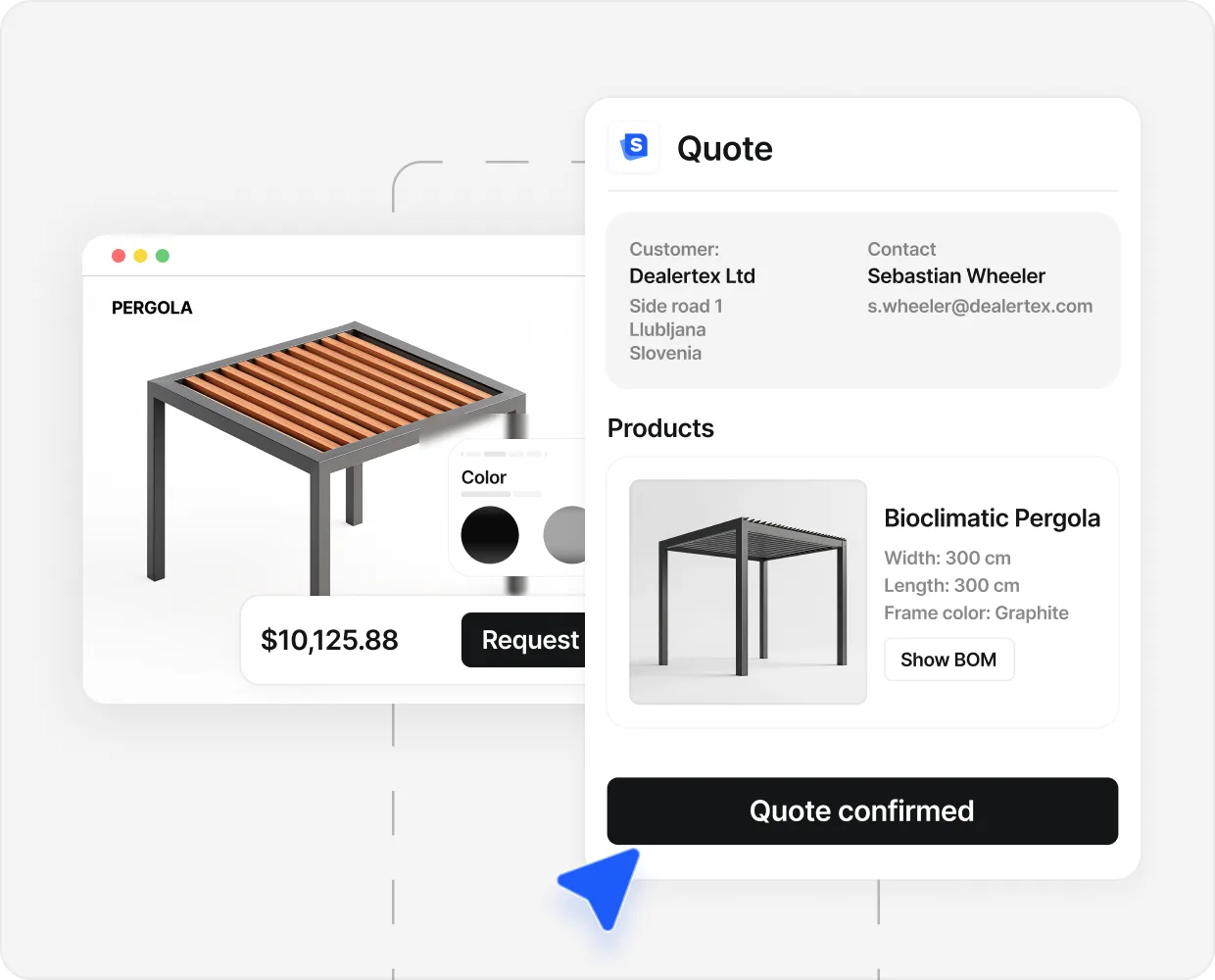
This is not theory. Caribbean Blinds, a UK outdoor living brand, runs its product line through an online 3D configurator. Buyers build the exact unit they want, see the price move as they go, and submit a finished spec. Around 40 percent of all inquiries now arrive already configured.
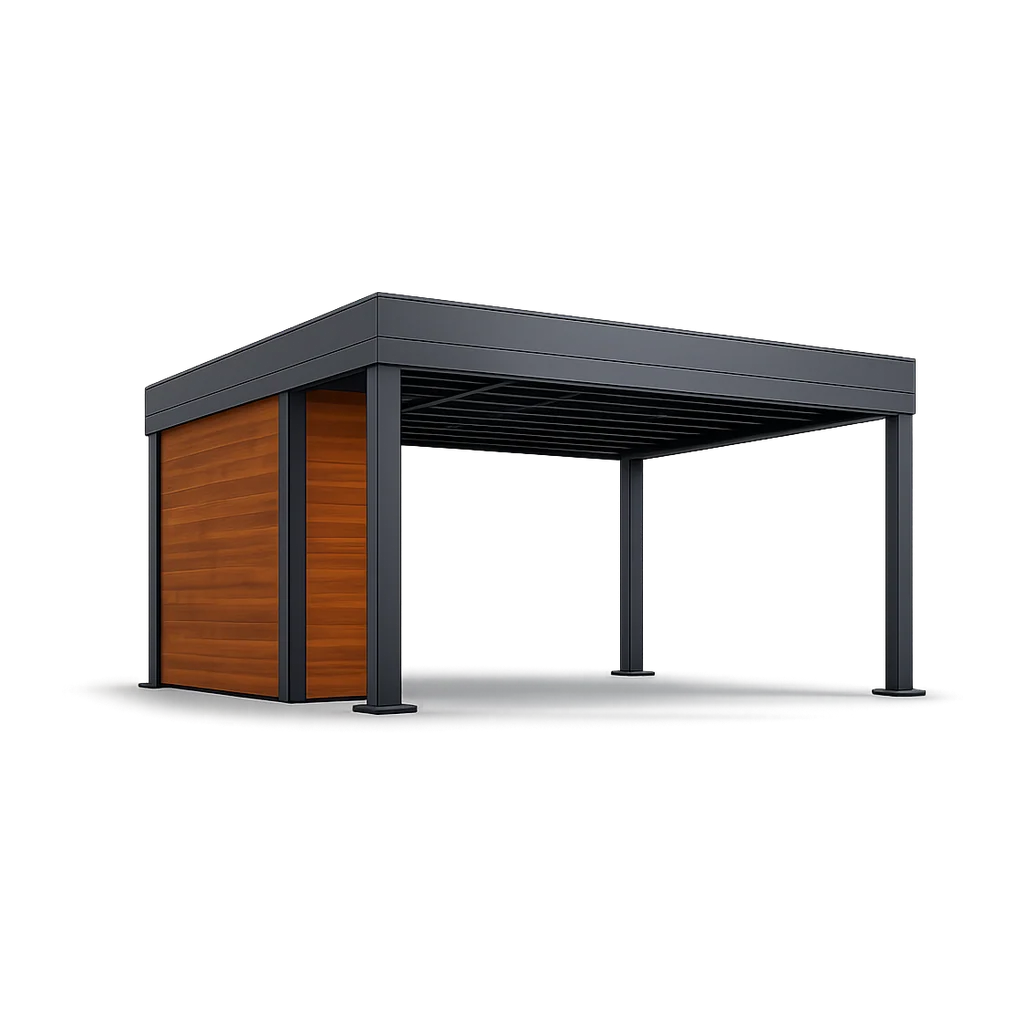
The lesson holds across categories, from a sofa to a pergola to a car. The buyer at 9pm will not commit to a product they cannot picture. 3D product visualization gives them that picture, in their colour, at their size, in their room. The sale follows the doubt that gets removed. For the broader case on helping buyers see a product before they buy, read how to help buyers visualize a custom product.
People also ask.
What is 3D product visualization?
It is an interactive 3D model of a product placed on a web page. The shopper can spin it, zoom in, change the colour or finish, and watch the result update in real time. It answers the will-it-fit and will-it-look-right questions before the buyer commits.
How does 3D product visualization increase e-commerce sales?
It removes the doubt that stalls an online purchase. A shopper who can see the exact size, finish, and configuration they are buying is more likely to check out and less likely to send the item back. Furniture configurators have reported conversion lifts close to 94 percent and return reductions of around 5 percent.
Is 3D product visualization cheaper than product photography?
Across a full catalogue, yes. One 3D model produces every colour, angle, and room scene you need, with no studio booking and no reshoot when a variant changes. That is why retailers like IKEA moved most of their catalogue imagery to computer-generated renders.
Do I need augmented reality as well as 3D?
Not first. AR is a useful add-on for one job: letting a buyer check whether a sofa or a TV fits their actual room. Most shoppers still decide on a normal web-based 3D viewer without ever opening an AR mode. Build the 3D experience first.
Can AI generate 3D product models on its own?
Not reliably yet. AI helps with the work around the model: backgrounds, faster rendering, early concept ideas. Building the accurate, photoreal model of a real product is still a job for a 3D artist.