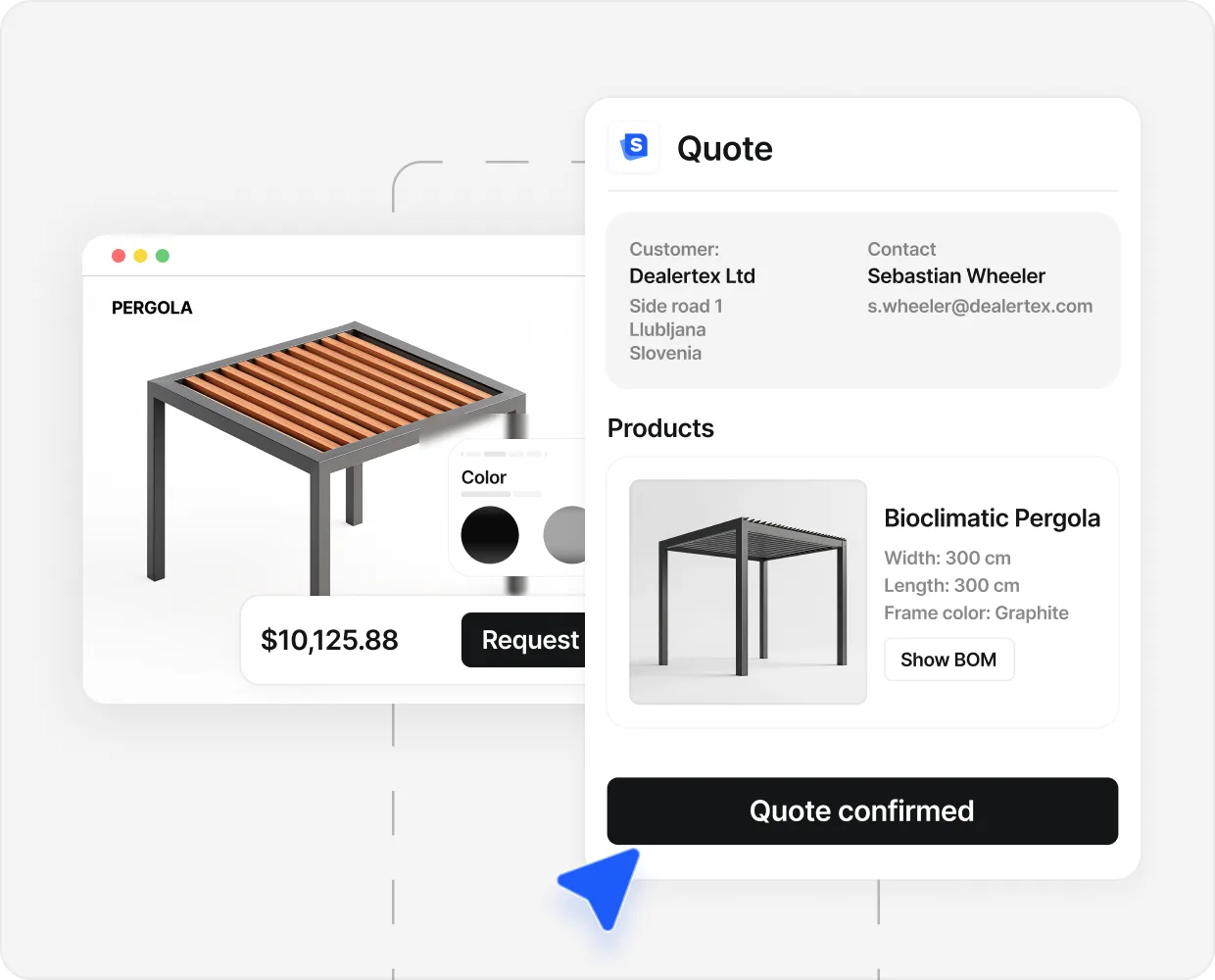


A buyer has two browser tabs open at 9pm. One is a pergola page with a clean 3D viewer that spins, zooms, and updates colour in real time. The other is a competitor with a single hero photo and a quote form. They have been flipping between the two for thirty minutes, stuck on a question neither tab answers: will this make sense against my own house, my own patio, the way I use the back garden in September.
The 3D viewer is impressive. It does not close the buyer. The hero photo is honest. It does not close the buyer either. Both are missing the same thing.
The buyer is not asking us to show them the product. They already know what a pergola looks like. They are asking us to show them their pergola, in their situation, before they commit a number to it. The viewer that does that wins. The one that just spins loses.
The job of visualization is narrower than most teams treat it as. Not to look pretty. To remove three specific doubts in the buyer’s head, in order, so they press submit instead of bouncing to a third tab.
The 3 doubts visualization has to kill#
Every custom product buyer carries the same three open questions into the configurator, whether they know it or not.
Spatial: will it fit. A pergola is a 4 metre object that goes against a house with a 1.8 metre side return. The buyer cannot commit without answering that first. A viewer that lets them set real dimensions and a real comparison object (a person, a chair, a doorframe) does the work a tape measure used to do.
Aesthetic: will it look right. A buyer can know the colour they want and still hesitate on the colour they ordered. A render that shows anthracite next to the actual cladding of their house removes a hesitation a swatch cannot.
Contextual: will this make sense in my situation. This is the one most viewers skip. The buyer is not buying a pergola in the abstract; they are buying it for dinner parties, a hot tub, a work pod, and a partner with opinions. A viewer that lets the buyer spin a perfect model against a studio backdrop answers the first two doubts and stops there.
Skip the third and lead volume rises while close rate stays flat. That reads to most teams as a lead-quality problem. It is a context problem.
Why a beautiful 3D viewer can still lose the sale#
A common pattern: a brand commissions a high-end viewer, conversion on the page lifts 30 to 50 percent, lead volume jumps, and close rate barely moves. The team concludes the leads are “lower quality.” They are not. It is the same buyers as before, with the spatial and aesthetic doubts removed and the contextual doubt wide open.
The viewer lands the buyer on a studio background with a pergola in default colours and dimensions. It rotates and updates instantly. It is technically excellent, and it also makes the buyer do every piece of contextual work themselves, imagining their own garden on top of an object floating in a grey void. That is as much imagination work as a flat photo demanded.

A viewer that closes deals does the opposite. The buyer lands on a pre-loaded configuration that resembles a real situation, against a backdrop that looks like a residential patio with a brick wall and a dining table. From there they change one variable at a time, watch the price move, and feel the build settling into a shape they can commit to.
Caribbean Blinds run their pergola line in roughly this shape: a real-feeling default, a clean residential backdrop, and live pricing as configuration changes. The team see roughly 508 leads in 90 days, with around 40 percent arriving already configured. The full story is in the Caribbean Blinds case study.
What “context” means in product visualization (and how to add it)#
Context is the third doubt. It is the one most viewers skip because it is the hardest to encode and the hardest to demo. It is also the one that does the closing work.
Four moves add context to a 3D viewer without breaking the load time budget.
- 01
Pre-load 5 to 10 common configurations
The buyer should not land on a blank model. They should land on a starting state that resembles the build 80 percent of buyers in their segment end up with: typical dimensions, the popular finish, the common accessory bundle. From that anchor, the buyer changes one variable at a time. Each change is a small commitment, not a fresh act of imagination.
- 02
Render against a believable scene, not studio grey
Studio grey is honest about the model and dishonest about the situation. A residential backdrop (a patio, the back wall of a house, a section of cladding, a deck) gives the buyer a frame of reference that solves half the contextual doubt before they touch a control. It does not need to be their actual garden. It needs to be a scene they can map onto.
- 03
Live price feedback on every change
Money is the most honest context signal you can hand a buyer. A finish upgrade that adds 1,200 euros to the build is information the buyer needs at the moment they choose, not three days later when the quote arrives. The buyer who sees the price move in real time arrives at the inbox with a spec and a budget commitment already in their head.
- 04
Show comparable objects for a sense of size
A pergola without a chair under it has no scale. A garden room without a person at the door looks small. Drop a human silhouette, a dining set, a parked car, a typical bed into the scene. The buyer reads scale from the comparable object instinctively, without doing tape-measure work.
The four moves do not need a custom 3D engine. They need a config layer over a generic viewer that decides what the buyer sees first and what they see it against. That layer is usually 10 to 20 percent of the engineering work on a configurator project and 60 to 70 percent of the conversion lift.
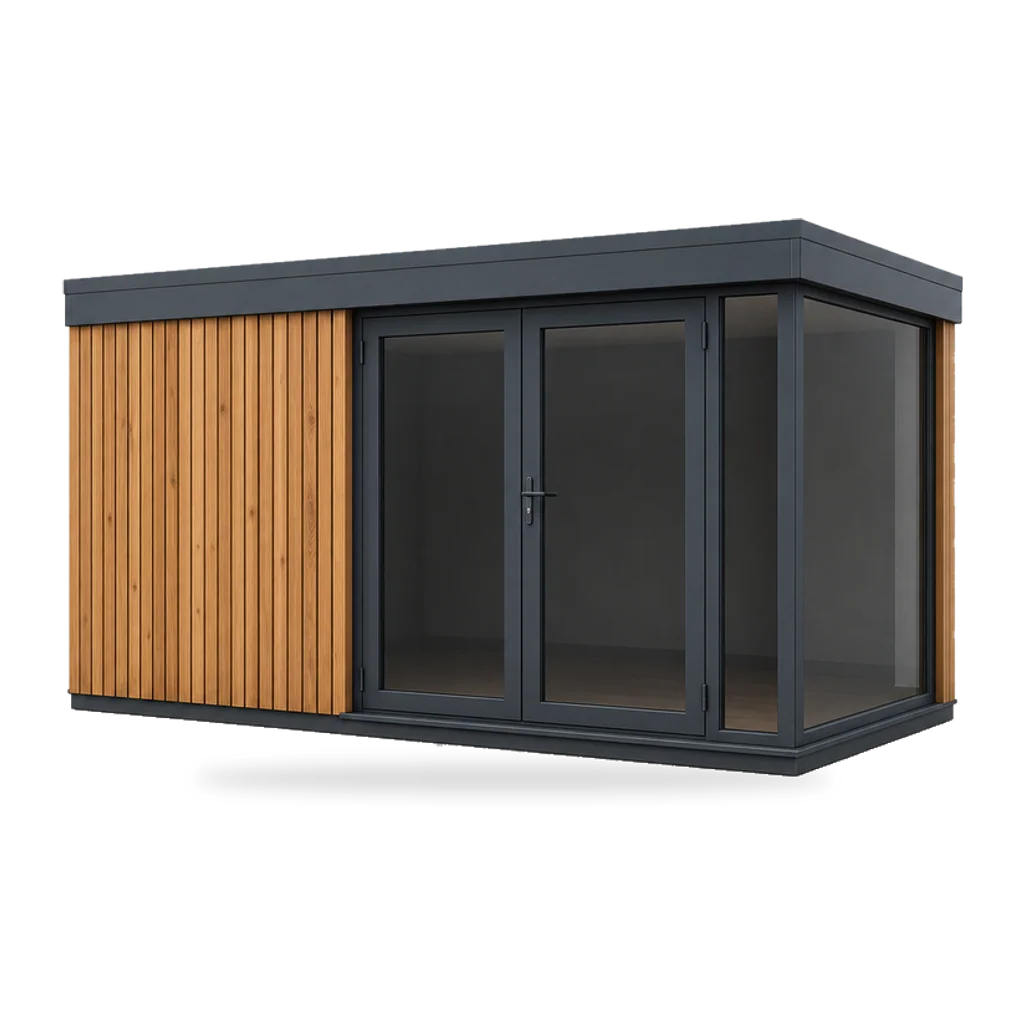
Mizarstvo Hrovat applied this pattern to a custom modular house and garden room line where the buyer is making a six-figure decision. The configurator lets buyers land on the popular floor plans, walk around them at human scale, swap cladding and roof finish, and watch the price move in their own currency. Across the lifetime of the configurator that flow has produced €133M in quotes, lifted inquiries by 415%, and saved the engineering team 10,835 hours of repeat spec work. The full story is in the Mizarstvo Hrovat case study.
- €133M In quotes generated Mizarstvo Hrovat, Slovenia, modular houses and garden rooms.
- 40% Inquiries pre-configured Caribbean Blinds, UK pergolas. 508 leads in 90 days arrive with the spec, colour, and price already chosen.
- 94% Conversion lift on 3D pages Cylindo industry benchmark across furniture configurators.
- 5% Return reduction Shopify benchmark for products with 3D visualization.
Named numbers and full stories live in the case studies.
The pattern across the four numbers is consistent. Visualization does not invent new buyers. It removes the doubts that were keeping existing buyers from committing. The work is in which doubts you choose to remove. A deeper category piece sits in the 3D product configurator overview, and the buyer-experience comparison with flat assets is in 2D vs 3D product configurator.
When a still image beats 3D (and how to choose)#
Not every custom product needs a 3D viewer. A still image often does the job better, faster, and cheaper. The decision rests on which of the three doubts the buyer is carrying.
A still image works when the buyer’s open question is finish and size, not spatial fit. Roller blinds, awnings, pleated curtains, screen doors, standard window frames. A photoreal still with a swappable colour layer answers the question in 600 milliseconds on a phone. A 3D viewer for the same product adds 4 to 8 seconds of load time and removes a doubt the buyer was not carrying.
A 3D viewer earns its keep when the buyer has to picture the product in their own space, when multiple configurable parts have to fit together visibly, and when the price tag is high enough that the brand has display work to do. Pergolas, verandas, garden rooms, outdoor kitchens, carports, modular houses, large custom furniture pieces. For the wider stage view, the digital showroom comparison walks through where visualization sits inside the eight jobs of a showroom.
The buyer at 9pm on a Tuesday will not press submit on a product they cannot picture in their own context. The job of visualization is to give them that picture, in the right format, with the doubts already gone. If the 3D viewer is doing display work and leaving the contextual doubt open, it is the wrong shape of viewer for the deal it is trying to close. Fix the context layer first. The conversion lift follows the doubts that get removed, not the polygon count.
People also ask.
What does it mean to help a buyer visualize a custom product?
It means giving the buyer a way to see the product as they will own it, not as the manufacturer photographed it for a brochure: the right scale against their own space, their chosen finish, and a believable scene. Stop at one or two and the buyer still has the doubt that keeps them from picking up the phone.
What are the 3 doubts visualization has to remove?
Will it fit (the spatial doubt), will it look right (the aesthetic doubt), and will it make sense in my situation (the contextual doubt). A viewer that handles only the first two is impressive and unconverted. The third doubt is the one that closes the deal.
How do I add context to a 3D viewer without slowing it down?
Pre-load the 5 to 10 most common configurations so the buyer arrives close to a real decision, not a blank canvas. Render against a believable background, not studio grey. Show live price feedback as variables change, and keep first paint under 2 seconds on 4G.
When does a still image work better than a 3D model?
When the buyer's question is finish and size, not spatial fit: roller blinds, awnings, pleated curtains, screen doors. A pre-rendered photoreal image with a swappable colour layer answers the question and snaps in instantly on a phone.
Does visualization lift close rate or just lead volume?
Both. Lead volume rises first because the configured submission is a richer artefact than a contact form. Close rate rises second because the sales call starts with the spec the buyer built. Cylindo measured a 94 percent conversion lift on 3D product pages; Caribbean Blinds runs 40 percent of inquiries through the configurator.