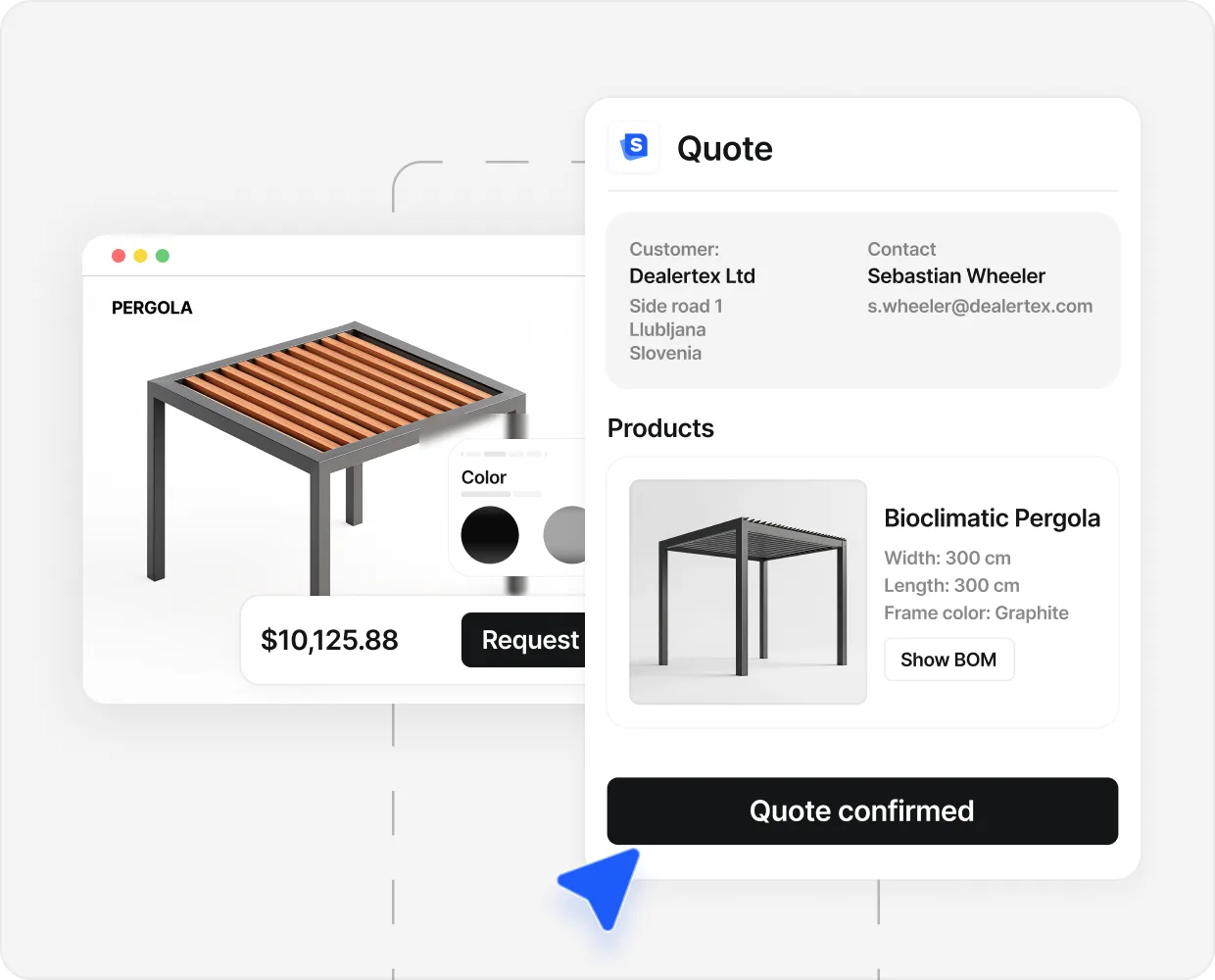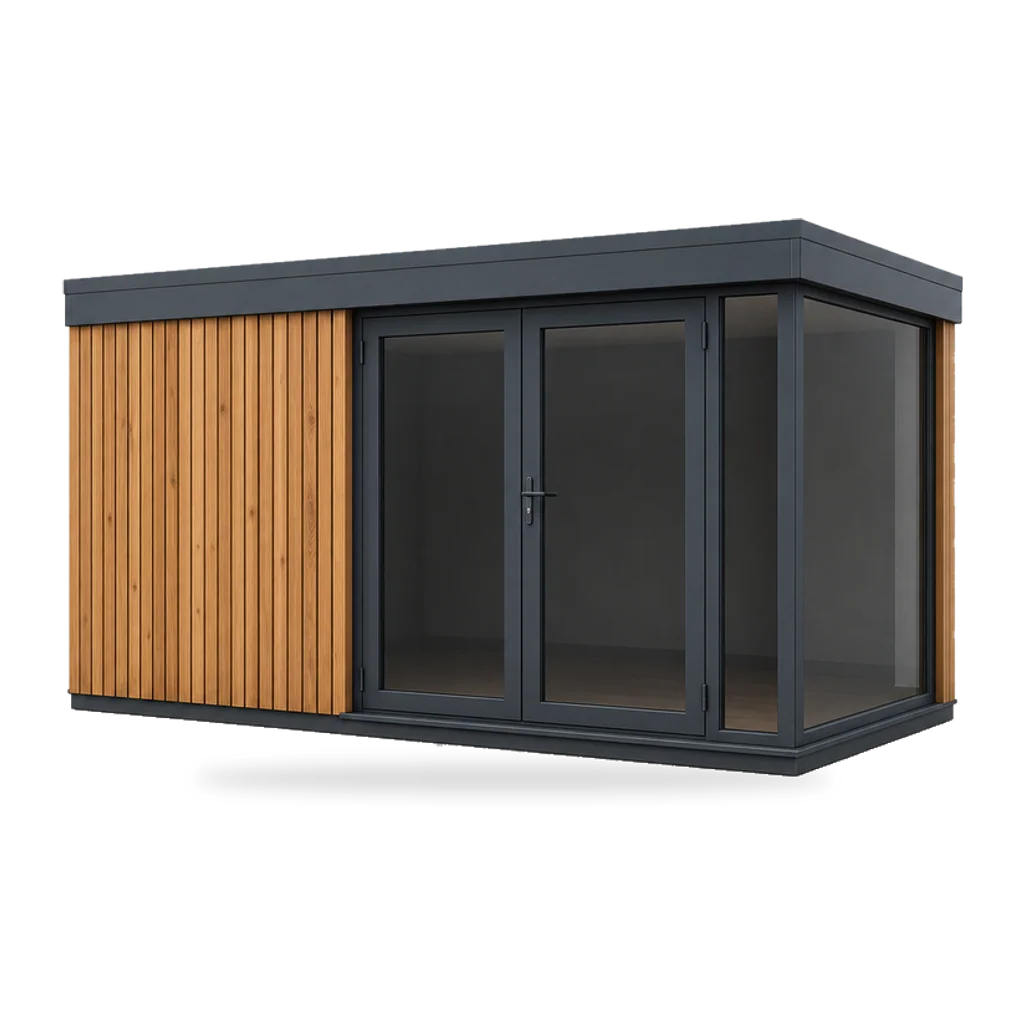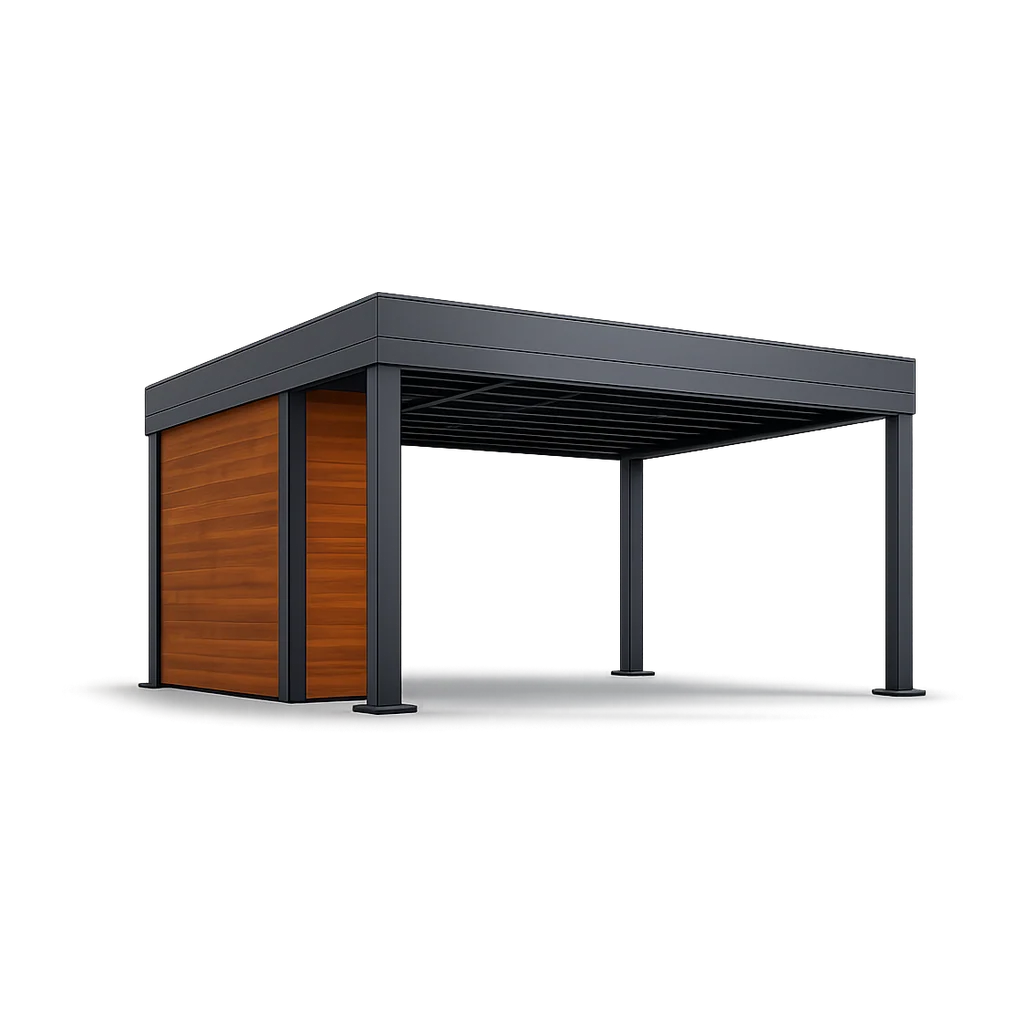

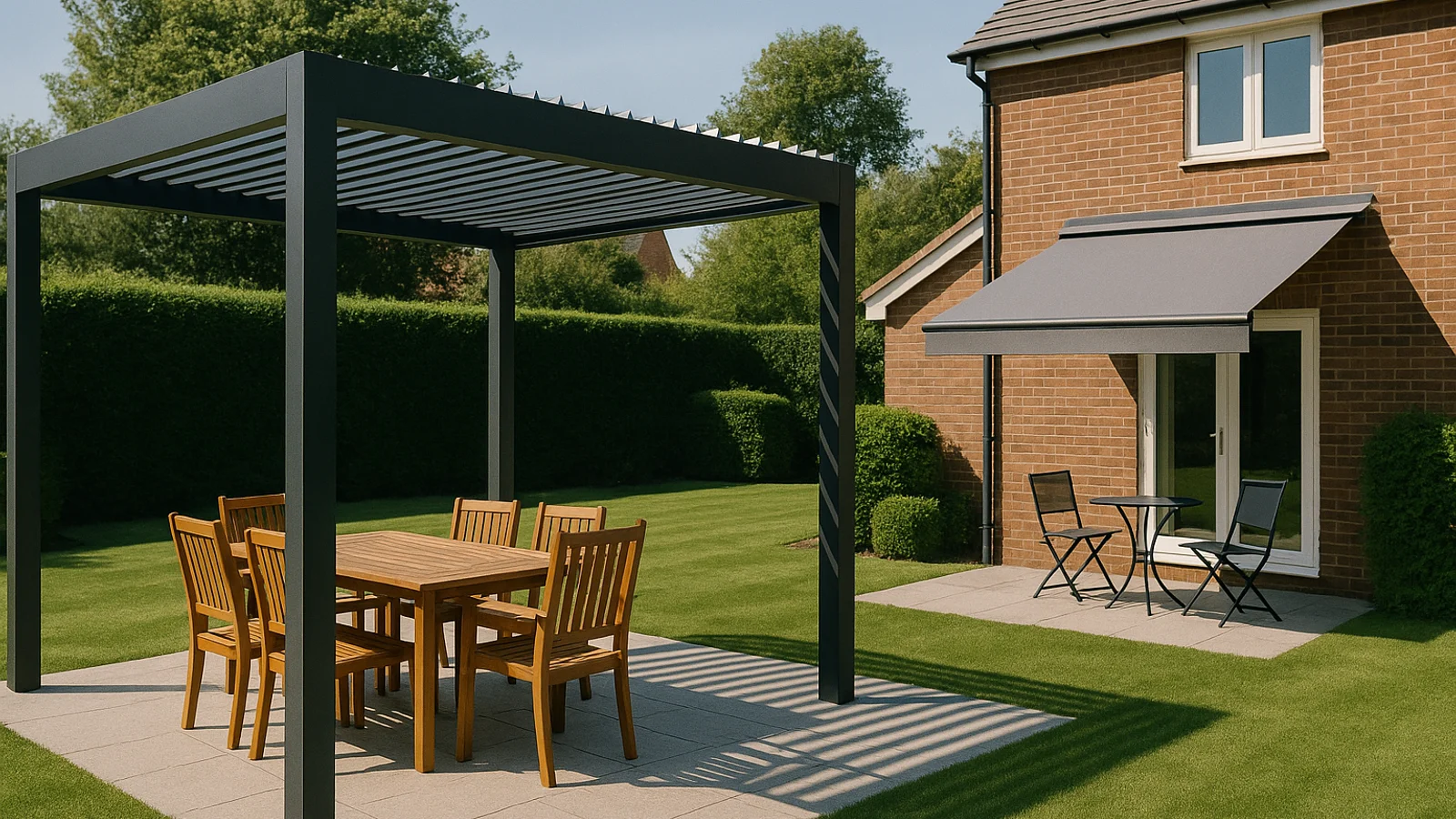
A buyer landing on a pergola page has one open question. How does this look in my garden, against my house, with my furniture set under it? No flat image answers that. They turn the model, drop the height, swap the slat colour, and decide on screen.
A buyer landing on a roller blind page has a different question. Which fabric, what size, what mount? They want to see the colour against a window and read a price. A 3D model that takes ten seconds to load on their phone is not a better experience. It is a worse one.
That is the whole argument. The format of the configurator should match what the buyer has to decide. Not what you would like to show them.
We started with a 2D mood-board picker because the developers said 3D was harder. Inquiries went up. Closes did not. Half the people who configured a 4 metre pergola turned up at the survey expecting something different.
The cost of picking the wrong format is not the subscription. It is the wasted-quote rate and the install-day surprises. Sellers selling spatially complex products in 2D bleed margin on rework; sellers selling fabric-and-finish products in 3D bleed conversion on load time.
What changes between 2D and 3D#
Three operational differences. Read them as trade-offs, not a ladder.
Load time and rendering. A 2D configurator swaps pre-rendered images; the next frame appears as fast as a 50 KB JPEG downloads. A 3D configurator runs a live model through WebGL, and first paint takes anywhere from 800 milliseconds on fibre to 8 seconds on a tired 4G phone.
What the buyer can see. 2D shows the angles you decided to render. 3D shows the buyer any angle they ask for, including the one you did not anticipate. For a pergola, that matters: buyers want to look up at the slats, then walk around to the fence.
Parametric resize versus fixed-image swap. A 2D configurator snaps to pre-rendered sizes. A 3D configurator lets the buyer drag the width and rebuild the post count and beam span on the fly. For finish products that is overkill. For structural products, fixed sizes are how the buyer ends up specifying the wrong build.
The technology stopped being the hard part a long time ago. The decision is upstream: what does the buyer need to see before they commit to a number.

When 2D is the right call#
Four buyer signals that should send you to 2D.
- 01
The decision is mostly finish and size
Awnings, roller blinds, screen doors, pleated curtains, standard frames. The buyer does not need to walk around the product to commit. Layered images snap in instantly and let the buyer flip through six fabrics in the time a 3D model takes to load one.
- 02
The product looks the same from every angle that matters
A roller blind looks like a roller blind from the front of a window. A 3D model adds time and weight for a view the buyer was never going to take.
- 03
The buyer is in a hurry and on a phone
Replacement orders, repeat buyers, trade buyers placing a known spec. A 2D configurator that loads in 600 milliseconds on 4G beats a 3D one that loads in 4 seconds, every time.
- 04
The AOV is below 5,000 euros
The unit economics for a custom 3D build break below that line. A premade 2D configurator pays for itself faster and matches the buyer's expectation for a sub-5K decision.
Dekor senčila run their pleated-curtain line in this shape. The buyer picks fabric, size, and mount type, the price lands, the priced PDF arrives. No 3D model rotates because the buyer does not need one to commit. The result was 380 percent more quotes generated and four times the offers year on year. The full story is in the Dekor senčila case study.
When 3D is the right call#
Four buyer signals that should send you to 3D.
- 05
The buyer has to picture the product in their space
Pergolas, verandas, garden rooms, glass roofs, outdoor kitchens, carports, modular cabins. A flat image cannot answer 'will this work against the side return of my house' without a phone call and a survey.
- 06
Multiple parts have to fit together visibly
A louvered pergola with integrated screens and LED strips. A garden room with a glazed corner and a side terrace. Each part is configurable on its own; the value is seeing them combined.
- 07
The product is premium and the brand has to do display work
A premium pergola at 18,000 euros is a brand purchase as much as a product purchase. A photoreal 3D model the buyer can walk around does the display work a brochure used to do.
- 08
Sales cycles are long enough that buyers come back and share the design
Outdoor living projects sit in a buyer's head for weeks. A persistent 3D design they can return to and forward keeps the conversation alive. A flat image does not get re-opened.
Caribbean Blinds run their premium pergola line in 3D for exactly these reasons. The buyer designs against a clean backdrop, prices the build, and receives a designed PDF. The team see roughly 508 inquiries in 90 days from the configurator, with around 40 percent arriving already configured. The full story is in the Caribbean Blinds case study.
- 380% More quotes generated Dekor senčila (Slovenia, shading and curtains). A 2D layered configurator for a fabric-and-size product line.
- 508 Leads in 90 days Caribbean Blinds (UK pergolas). A 3D photoreal configurator for a spatially complex product. About 40 percent of inquiries arrive pre-configured.
- 17% Close rate Spa Solutions (Switzerland, pergolas). 3D configurator plus qualification flow in a category where industry close rates sit at 5 to 8 percent.
Named numbers and full stories live in the case studies.
The pattern across these three numbers is consistent. The format follows the buyer’s question. Sellers who pick by buyer question see the lift. Sellers who pick by trend (3D because everyone is doing 3D, or 2D because the budget is tight) get a configurator that nobody quite uses the way it was meant to be used.
The hybrid pattern most multi-category Sellers end up running#
A multi-category seller rarely has one buyer question. The pergola line answers a spatial question. The roller blind line answers a finish question. The veranda line answers a structural question. The screen door line answers a size question.
The mistake is to pick one format and try to make every line fit it. 3D for everything turns the roller blind page into a slow 4G load that costs you the quick-decision buyer. 2D for everything strips the pergola line of the display work the brochure used to do.
The pattern that holds up across Sellers running multiple categories looks like this. One configurator backend, one pricing engine, one quote PDF, one CRM handoff. Two visual front ends, decided per product line. The buyer never sees the seam. The seller runs one operation, not two.
Sellers running doors and windows land on exactly this pattern. Some lines are 2D fabric-and-size. Some are 3D spatial-fit. Both feed the same intent score, the same priced PDF, the same Monday inbox. Pick the format per product, not per brand.
What it costs to pick the wrong format#
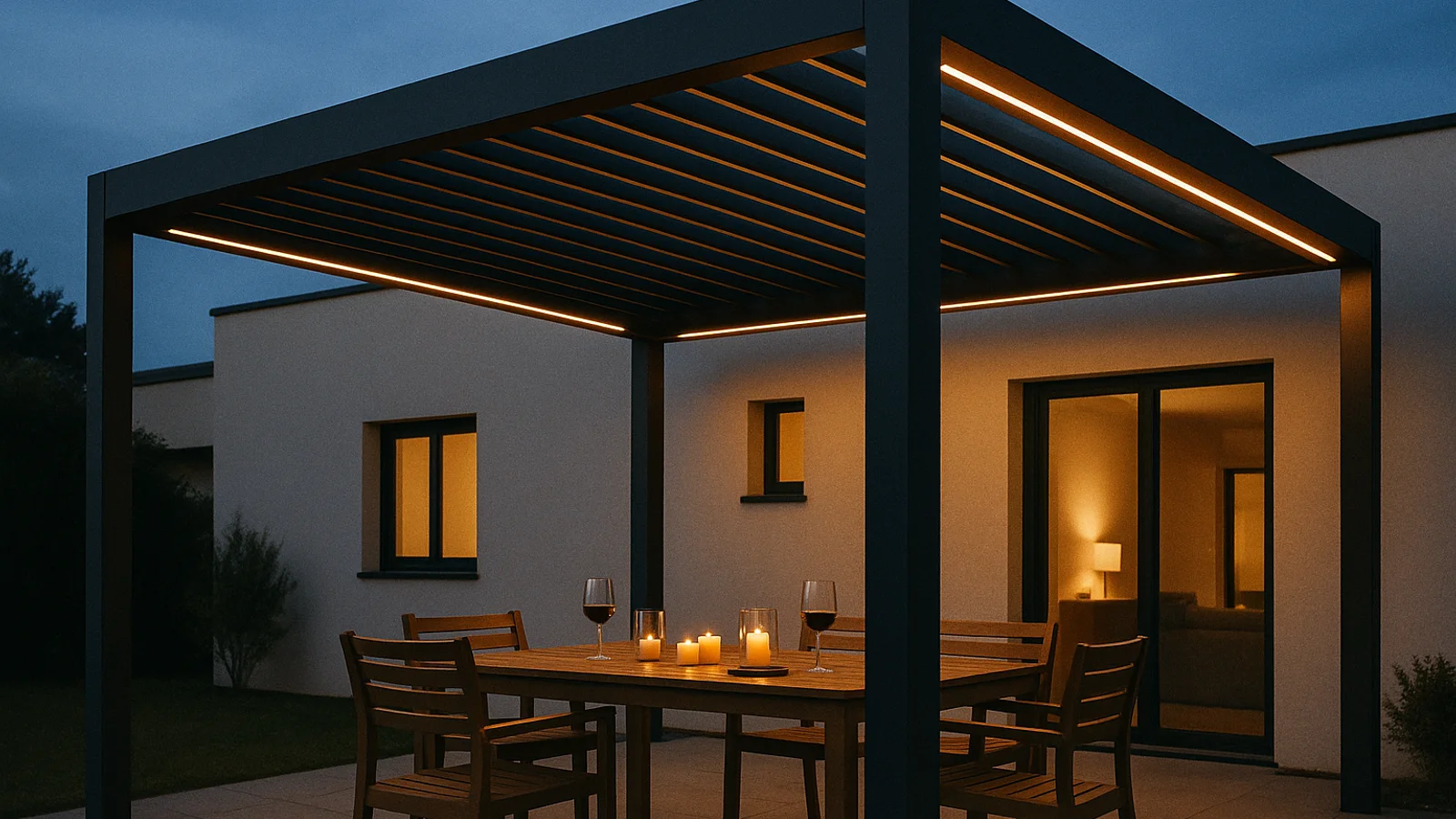
The cost shows up in three places. The wasted-quote rate: a buyer who configures a pergola in 2D and misreads the post placement turns up at the survey expecting something different, and the quote gets reworked. The mobile drop-off: a buyer on 4G will not wait six seconds for a 3D model to render, and bounces to a competitor with a flat image. The brand signal: a premium pergola seller running a flat-image configurator looks cheaper than the product is.
The unit economics of either format hold up above a 5,000 euro average order value with traffic above roughly 2,000 sessions a month. Below those floors, both formats are early. Spend the budget on traffic first.
How to pick in one sitting#
Five minutes. Print the spec sheet of your three top-selling product lines. For each line, answer one question.
Does the buyer have to picture this product in their space before they commit, or do they only need to pick finish and size?
If the answer is “picture in their space”, that line goes to 3D. If the answer is “pick finish and size”, that line goes to 2D. If the answer is “both, depending on the buyer”, default to 3D. Spatial buyers will not be satisfied by 2D, and finish buyers will tolerate a 3D model that loads in under two seconds on a phone.
Then pick a vendor that lets you ship either format on a premade product model so you are not paying to teach the vendor your category. A longer breakdown of the buying decision sits in the 3D configurator software buyer’s guide, and the wider view across categories is in the 3D product configurator overview. For pergolas specifically, the pergola configurator guide covers the same buying decision with category-specific checks.
The buyer designs. The price lands. The PDF arrives. Whether the design happens in flat layers or a live 3D model is a buyer-clarity decision, not a brand-ambition one. Pick by the question the buyer has open. The rest follows.
If you want a category-specific test against your own product line, the SaleSqueze configurator gallery shows live 2D and 3D builds for pergolas, verandas, awnings, garden rooms, carports, doors and windows. The named numbers behind every claim above sit in the case studies.
People also ask.
What is the difference between a 2D and a 3D product configurator?
A 2D configurator shows the product as a flat image, usually swapping pre-rendered layers when the buyer changes a colour, fabric, or finish. A 3D configurator renders a live parametric model the buyer rotates and resizes, with materials updating in real time. The difference is what the buyer can decide on screen without picking up the phone.
Is 3D always better than 2D?
No. 3D earns its keep when the buyer has to understand size or spatial fit. For a fabric awning where the only real variable is colour and width, 2D is faster to build, faster to load, and gets the buyer to a quote sooner.
How much more does a 3D configurator cost than a 2D one?
A premade model in either format can be live in 1 to 10 days at a similar monthly subscription. A custom 3D build from scratch runs 20,000 to 60,000 euros and 3 to 6 months. The cost gap is between premade and custom, not between 2D and 3D.
Can I run 2D and 3D inside the same configurator?
Yes, and most multi-category sellers end up there. The pleated curtain line stays 2D because the buyer only picks fabric and drop. The pergola line moves to 3D because the buyer has to see the structure against their garden. Same backend, same pricing engine, same quote PDF.
Which sells better, 2D or 3D?
Whichever answers the buyer's question fastest. For spatially complex products like pergolas and garden rooms, 3D pulls the conversion. For finish-and-size products like awnings and roller blinds, 2D pulls it. Picking the wrong format also raises the wasted-quote rate when the buyer never quite saw what they ordered.