Comparison
Build your 3D configurator with AI, or use SaleSqueze?
- Tested across 30+ markets, every major browser
- Pricing, BOM, and CRM integrations from day one
- Live in 7 days, not 6 months
Trusted by 160+ outdoor living pros



















A fair note on building it yourself with AI#
The reason this page exists is that the question is real. Claude, Cursor, and Copilot have made Three.js feel approachable. A founder who has never touched 3D can paste a product photo into a chat window, ask for a pergola configurator, and have something rotating in the browser by lunch. That moment is genuine. It is also the easy twenty percent.
The core difference#
A configurator that ships to your customers is not a 3D demo. It is a product. SaleSqueze is the platform built to be that product, with the QA, the pricing engine, the dealer logic, and the integrations the demo never has.
Where the AI-built version starts to crack#
Six visual bugs that ship by default
- Z-fighting Two surfaces at the same depth flicker against each other on every frame.
- Flat default lighting Three.js out of the box reads as a tech demo, not a sellable product.
- Texture seams Visible joins on aluminium finish and fabric where the UV map misaligns.
- Wrong shadow angle The sun is one place; the shadow lands somewhere else entirely.
- Hinge clipping Doors and shutters swing straight through their own frames; no collision check.
- Mobile blank screen iOS Safari hits a memory cap and the configurator stops rendering entirely.
Moving parts#
A pergola opens and closes. A telescoping awning extends in segments. A door swings on a hinge. AI generates plausible code for these. Kinematics that look right in a screenshot and break in real use. Telescoping that overshoots. Hinges that intersect with the frame. Configurations that look fine on the manufacturer’s product image and ship the wrong dimensions to the factory.
Production-quality visuals#
A demo with default Three.js lighting reads as a demo. A buyer expecting their forty-thousand-euro pergola wants photorealistic shadows, accurate aluminium finish, fabric that drapes correctly. That tuning is weeks of work and dedicated 3D expertise. AI does not have a taste model.
Mobile performance#
Half of buyers configure on a phone. AI-generated Three.js code rarely accounts for low-end Android devices, throttled CPUs, or the iOS Safari quirks that make geometry disappear. The configurator that works fine on your laptop is the configurator that ships zero leads from mobile.
Integrations#
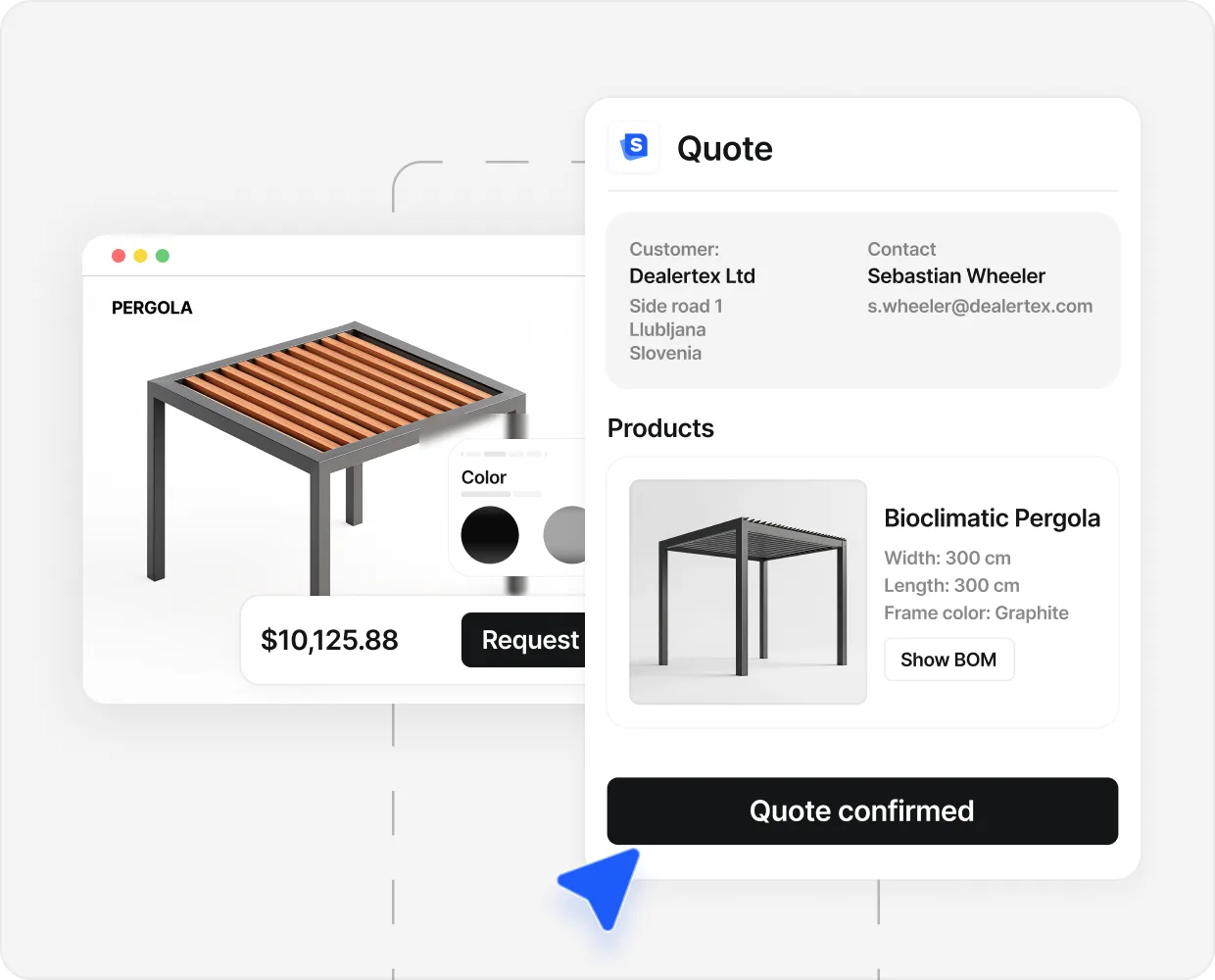
A configurator that does not produce a quote is a toy. The quote needs the right price (matrices, dealer overrides, currency, VAT), the right BOM (down to the bolt count), the right route to your CRM. AI will scaffold a stub for each. None of the stubs will be production.
The killer question: who tests it#
A working configurator on your laptop is not a working configurator on a stranger’s iPhone in Munich on hotel wifi. The leap from one to the other is everything.
Things that need to be true on every page load, in every browser, on every device:
- The price calculation matches your spreadsheet within zero euros, every time.
- The geometry renders without artefacts on five-year-old phones.
- The PDF quote generates with the right fonts, the right tax breakdown, the right translations.
- The CRM receives the lead with all the configuration metadata, not just the email.
- The dealer who logs in tomorrow sees their pricing, not the manufacturer’s.
That is QA infrastructure. Browser automation. Visual regression tests. Production monitoring. Error tracking. Versioning. Rollback plans. AI tools do not ship any of that.
The cost of getting this wrong is not a bug. It is a lead who books a demo, watches the configurator misprice their setup by three thousand euros, and tells their procurement team you are not serious.
The hidden cost of DIY#
Three months to ship the first prototype. Six months to find the regressions. A year before it handles a second product variant. Two years before it integrates with manufacturing.
Or: you ship in three months, demo it, lose three leads to broken edge cases, and then migrate to a platform anyway. The cost of the migration plus the cost of the lost leads is almost always larger than the cost of starting on a platform.
What SaleSqueze brings as the platform base#
The configurator is the easy part. The platform around it is the work.
- Eight outdoor living verticals premade, calibrated for trades: pergolas, verandas, awnings, garden rooms, carports, glass rooms, outdoor kitchens, sheds and cabins.
- Pricing engine, BOM generator, dealer hub, CRM connectors all in production. HubSpot, Pipedrive, Salesforce, SAP, Stripe, Mollie. Integrations are not a feature; they are the table stakes for selling.
- Tested across 30+ markets, 160+ live customers, every major browser, every recent device. The QA is real and continuous.
- 7-day launch for a premade configurator on your domain.
- Named customer proof: FollHaus generated €10M in pipeline in the first month, Spolding and Sons booked £168K in 12 weeks, Caribbean Blinds opened a channel that produced 508 leads in 90 days.
The twist: AI works better on top of SaleSqueze#
We are shipping a Model Context Protocol (MCP) server for SaleSqueze. The short version: Claude and other AI tools will be able to drive the SaleSqueze platform directly. You describe a configurator in chat, the AI builds the rules and the variants, the result runs on a platform that already handles the QA, the pricing, and the rollout to customers.
This is what AI plus a platform looks like in practice. You get the velocity of vibe-coding, and the production-readiness of a platform that already has the customer base and the integrations.
Stay tuned. Roadmap on the demo call.
When SaleSqueze is not the right fit.
Common questions.
But Claude is good at Three.js now, isn't it?
Yes. Claude generates plausible Three.js in minutes. The cost is not generation; it is everything after. Testing across browsers, tuning lighting to production quality, integrating to your CRM, and standing behind the result when a customer hits a bug at 9am on a Saturday. Code generation solves the first ten percent.
I've already started building. Do I throw it away?
Not necessarily. If the AI-built work is a prototype that helped you scope the product, that is value. The real question is whether to ship that prototype to customers, or to use SaleSqueze as the production platform and keep the prototype as your specification. The 7-day go-live applies either way.
Won't your MCP just be another integration to maintain?
Other way around. The MCP makes SaleSqueze accessible from any AI tool that supports the protocol (Claude, Cursor, and others). You don't maintain the integration; the AI tools do. SaleSqueze maintains the MCP server.
What about Three.js plus my own backend?
Same answer at a higher fidelity. Three.js handles the geometry; the backend handles pricing, BOM, and CRM. You can build all of it. The cost is the team to build it, the team to test it across markets, and the runway to do that before you have to be selling. Most trades teams do not have that runway.
Will the SaleSqueze MCP be open?
Specifics on the demo. The intent is that any AI tool that supports MCP can use it; the question of open-source comes after.
How does SaleSqueze price this?
Configured per setup. Walk through it on the demo; you will see your category count, dealer count, and custom needs translate to a personalised price snapshot in your inbox.
Related comparisons.
Start selling visually.
See SaleSqueze on your own product line.
By clicking “Book a Demo” you agree to our Terms of Service and Privacy Policy.
- Live in 7 days
- The build is free
- Ready-made templates